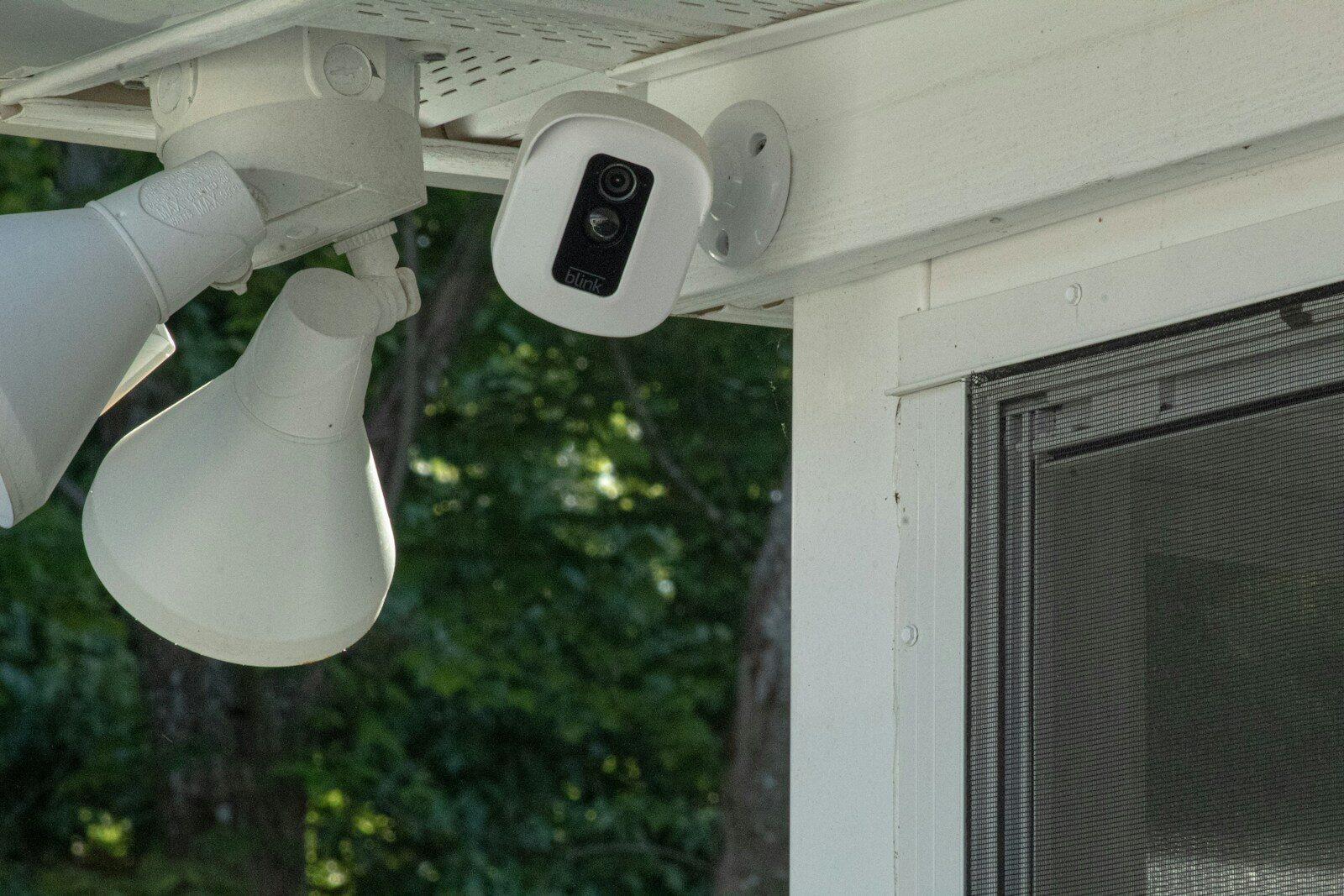
A smart security camera is only as good as the broadband connection behind it. You could invest in the latest 4K CCTV cameras, motion-activated doorbells, and app-controlled alarm systems, but if your internet drops out or crawls along at a fraction of the speed you need, those devices become expensive ornaments.
Across the UK, millions of households now rely on connected security devices to protect their homes. According to Statista’s smart home research, the UK smart home security market continues to grow year on year, with video doorbells and IP cameras leading adoption. Getting the right broadband package isn’t just about streaming Netflix without buffering anymore. It’s about keeping your family and your property safe around the clock.
This guide breaks down exactly what you need from your broadband to run a reliable smart security setup at home.
The Role Broadband Plays in Smart Security
Traditional security systems worked offline. A camera recorded to a local hard drive, and that was it. Smart security systems work differently. They send data over your broadband connection to cloud servers, allow you to view live feeds from your phone wherever you are, and trigger instant alerts when something unusual happens.
Every one of those functions depends on a stable, sufficiently fast internet connection. When your broadband struggles, your cameras may drop to lower resolution, your alerts could arrive late, and in worst-case scenarios, your system might go completely offline during the moments you need it most.
Your broadband doesn’t just support your security system. It actively powers it. That makes choosing the right connection one of the most important decisions in any smart home security setup.
Key Broadband Requirements for Security Systems
Not all broadband packages are built equally, and smart security systems have specific demands that differ from general household browsing. Here’s what to look for.
Download Speed
Most people focus on download speed, and it does matter. Your security system needs to pull firmware updates, receive configuration changes from cloud platforms, and allow you to stream your camera feeds back to your phone or tablet. For a household running two to four cameras alongside regular internet use, a minimum download speed of around 30 Mbps keeps things running smoothly. Fibre connections offering 50 Mbps or more give you comfortable headroom.
Upload Speed: The Number That Really Matters
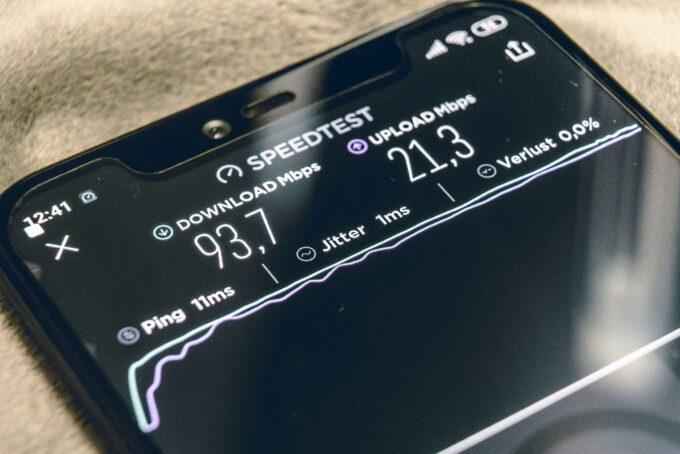
Here’s where many people get caught out. Upload speed is far more important for smart security than download speed. Your cameras are constantly sending video data from your home up to the cloud. A single 1080p camera streaming continuously uses roughly 2-5 Mbps of upload bandwidth. Add a second or third camera, and you can see how quickly the demand stacks up.
Standard ADSL broadband in the UK typically offers just 0.4 to 1 Mbps upload. That’s barely enough for a single camera at reduced quality. Fibre-to-the-cabinet (FTTC) connections usually deliver around 9-10 Mbps upload, which handles a modest multi-camera setup. Full fibre (FTTP) connections can offer 10 Mbps to over 100 Mbps upload, making them the strongest choice for homes with multiple cameras recording in high definition.
Before signing up to any broadband deal, check the upload speed figures carefully. Providers often advertise download speeds prominently while burying upload speeds in the small print.
Reliability and Stability: Keeping Your Home Protected 24/7
Speed is one thing. Consistency is another. A broadband connection that hits 80 Mbps download during quiet hours but drops to 5 Mbps during peak evening times creates real problems for security systems that need to perform around the clock.
Why Uptime Matters More Than Raw Speed
Security doesn’t take a break. Your system needs to be online at 3 AM just as much as it does at 3 PM. Frequent disconnections, even brief ones lasting only seconds, can cause gaps in your recorded footage. Those gaps might land precisely when an incident occurs.
Full fibre broadband tends to offer the most stable connections because the fibre optic cable runs directly to your home, avoiding the ageing copper telephone lines that FTTC and ADSL rely on for the final stretch. Copper lines are more vulnerable to interference from weather, electrical equipment, and distance from the exchange.
Consider a Backup Connection
If security is a top priority, you might think about a mobile broadband backup. Some routers support 4G or 5G failover, automatically switching to a mobile data connection if your main broadband drops out. This adds a layer of protection that keeps your cameras online during outages. Many modern security hubs from brands like Ring and Arlo also offer built-in cellular backup options.
Understanding Data Usage for CCTV and Smart Devices
Smart security devices can consume significant amounts of data, and if you’re on a capped broadband plan, you could run into trouble.
How Much Data Do Cameras Actually Use?
A single 1080p camera recording 24/7 can use between 60 GB and 400 GB of data per month, depending on the compression standard, frame rate, and whether the camera records continuously or only when motion is detected. Cameras set to record on motion detection use considerably less data since they only activate when something triggers them.
A 4K camera roughly doubles or triples those figures. Two 4K cameras running full-time could easily consume over a terabyte of data in a month.
Here’s a rough monthly data guide for common setups:
– One 1080p motion-activated camera: 30-100 GB
– Two 1080p continuous recording cameras: 120-800 GB
– Four 1080p motion-activated cameras: 120-400 GB
– Two 4K continuous recording cameras: 500 GB-1.5 TB
The clear takeaway? Always choose an unlimited data broadband plan if you’re running any kind of continuous CCTV system. Most fibre packages in the UK now come with unlimited data as standard, but it’s worth double-checking before you commit.
Comparing Broadband Packages for Smart Home Security
Choosing between broadband packages specifically for security use means weighing up several factors beyond the headline price.
ADSL vs FTTC vs Full Fibre
ADSL broadband delivers average speeds of 10-11 Mbps download and under 1 Mbps upload. It’s insufficient for anything beyond a single, low-resolution camera and is best avoided if smart security is a priority.
FTTC (fibre-to-the-cabinet) offers speeds up to around 36-80 Mbps download and 9-20 Mbps upload. This handles most home security setups with two to four cameras comfortably, provided other household usage doesn’t overwhelm the connection during busy periods.
Full fibre (FTTP) delivers speeds from 100 Mbps to over 1 Gbps download, with upload speeds typically ranging from 10 Mbps to 115 Mbps or more. This is the gold standard for smart security. It handles multiple high-definition cameras, other smart home devices, and regular household browsing without breaking a sweat.
You can check what’s available at your address using Ofcom’s broadband coverage checker or by entering your postcode on thinkbroadband’s availability checker.
Contract Length and Price
Most fibre deals run on 18 or 24-month contracts. Prices typically start from around £20-25 per month for entry-level fibre and rise to £40-60 or more for full fibre packages with high upload speeds. Look for deals that lock in the price for the full contract term so you’re not hit with mid-contract increases.
Factors to Think About: Number of Devices, Quality of Feeds
Your broadband needs depend heavily on the scale and quality of your security setup. A single Ring Doorbell has very different demands from a six-camera CCTV system covering every angle of your property.
Device Count and Bandwidth Sharing
Every connected device in your home shares the same broadband connection. Smart speakers, phones, laptops, TVs, gaming consoles, and security cameras all compete for bandwidth. A household with four people streaming video, two kids gaming online, and three security cameras running simultaneously needs significantly more capacity than a couple with a single camera.
As a general rule, add up the bandwidth each device needs and make sure your broadband package provides at least 20-30% more than the total. That buffer protects against speed fluctuations and keeps everything running without conflicts.
Resolution Choices
You don’t always need 4K. For many home security purposes, 1080p provides plenty of detail to identify faces and read number plates, while using significantly less bandwidth and data. Some cameras let you set recording quality per schedule, running at higher resolution during the night when other household internet use is low, and stepping down during peak hours. This kind of flexibility can help you get the most from a mid-range broadband connection.
Keeping Your Network Secure and Performing Well
There’s an irony in using security cameras on an insecure network. Every connected device is a potential entry point for hackers, and poorly secured smart cameras have been widely reported as targets by the National Cyber Security Centre (NCSC).
Router Placement and Wi-Fi Coverage
Position your router centrally in your home, away from thick walls and electronic interference. If your cameras are at the edges of your property, the Wi-Fi signal may not reach them reliably. Mesh Wi-Fi systems or dedicated Wi-Fi extenders can fill coverage gaps. Some security cameras also support wired Ethernet connections through Power over Ethernet (PoE), which removes Wi-Fi reliability from the equation entirely.
Network Security Basics
Change your router’s default admin password immediately. Use WPA3 encryption if your router supports it, or WPA2 at minimum. Keep your router firmware updated. Where possible, set up a separate Wi-Fi network for your smart home and security devices, isolating them from your main network. Many modern routers offer a guest network feature that works well for this purpose.
Quality of Service (QoS) Settings
Some routers let you prioritise certain types of traffic. By giving your security cameras higher priority than, say, file downloads or software updates, you can make sure your cameras get the bandwidth they need even when the connection is busy. Check your router’s settings or manual to see if QoS is available on your model.
What Lies Ahead for Smart Security and Broadband
The UK’s full fibre rollout continues to expand, with the government targeting at least 85% coverage by 2025. As more homes gain access to gigabit-capable connections, the limitations that currently affect smart security setups will shrink dramatically. Higher upload speeds and more reliable connections mean better video quality, faster alerts, and fewer blind spots.
At the same time, security cameras are becoming smarter. On-device AI processing means newer cameras can analyse footage locally before deciding what to upload, reducing bandwidth demands while improving accuracy. This shift towards edge computing will make smart security more accessible even for homes stuck on slower connections for now.
Your broadband is the backbone of your smart security system. Get it right, and you have a reliable, always-on shield protecting your home. Get it wrong, and you have cameras that can’t upload, alerts that arrive too late, and footage full of gaps. Take the time to match your broadband package to your security needs, and you’ll build a setup you can genuinely rely on.