How to Boost Your Broadband Speed Without Upgrading
Is your internet feeling sluggish? Slow broadband speeds can be frustrating, especially when you’re trying to stream your favorite show or join an important video call. But before you resign yourself to upgrading your plan or provider, there are several simple tricks you can try to give your current connection a boost.
Check Your Router Placement
Where you place your router can have a big impact on your Wi-Fi signal strength. Ideally, it should be in a central location, away from walls and obstructions. Avoid placing it near metal objects or appliances that can interfere with the signal, like microwaves or cordless phones. Experiment with different locations to find the sweet spot for maximum coverage.
Optimize Your Router Settings
Your router’s default settings aren’t always optimal for speed. Log in to your router’s admin panel and look for the following settings:
- Channel: If you’re using a 2.4GHz connection, try channels 1, 6, or 11 to minimize interference from neighboring networks.
- QoS (Quality of Service): This feature prioritizes certain types of traffic, like streaming or gaming. Enable it if your router supports it.
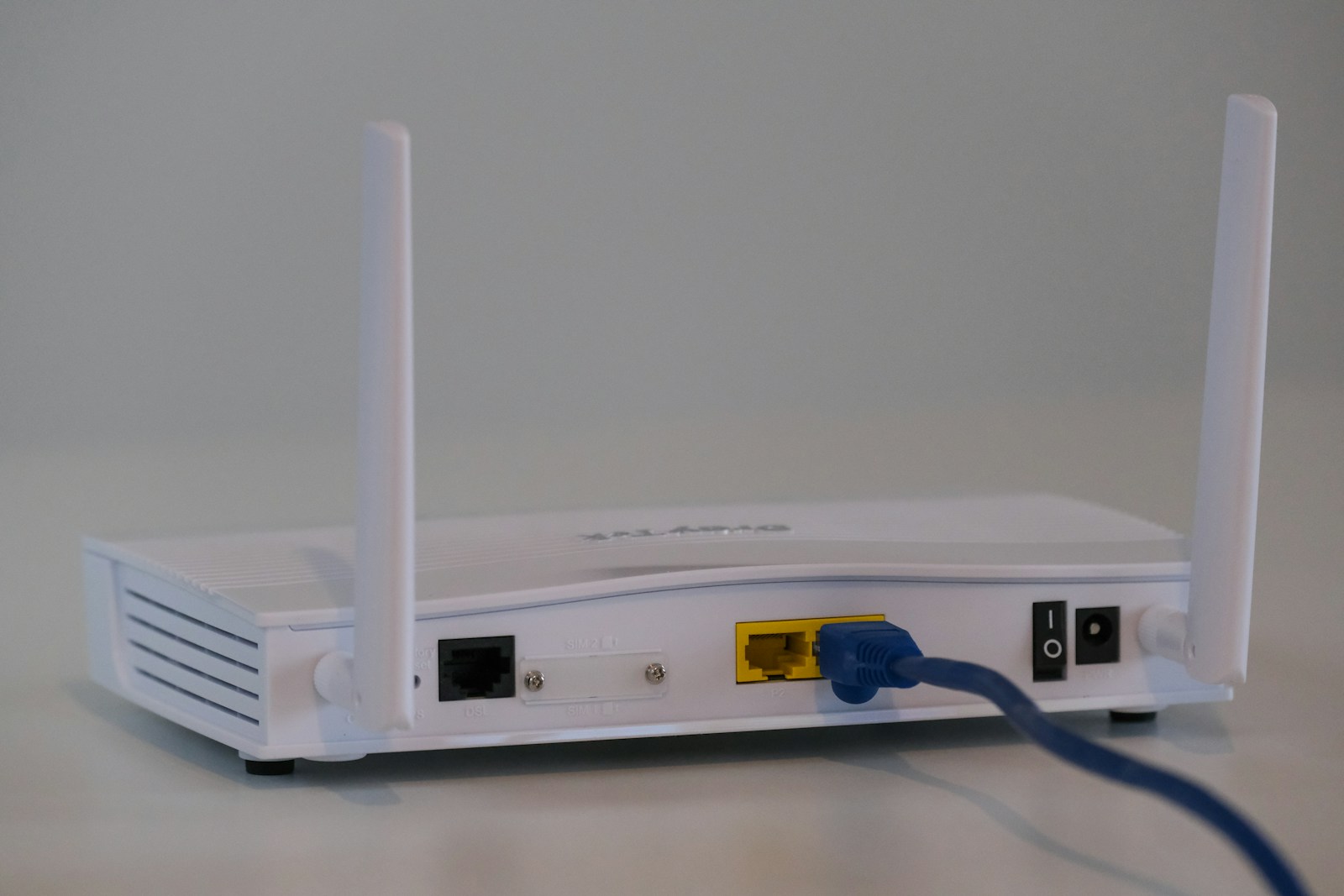
- Antenna direction: If your router has external antennas, try adjusting their position. Pointing them upwards or at a slight angle can improve coverage.
Update Your Router Firmware
Router manufacturers often release firmware updates that include performance improvements and bug fixes. Check your router’s admin panel or the manufacturer’s website for the latest version. Updating your firmware can not only improve speed and reliability but also patch security vulnerabilities.
Use a Wired Connection
Wi-Fi is convenient, but it’s not always the fastest option. If possible, connect your devices directly to your router with an Ethernet cable. This is especially useful for stationary devices like desktop computers or gaming consoles. A wired connection eliminates the potential for wireless interference and typically provides faster, more stable speeds.
Limit Connected Devices
The more devices connected to your network, the more your bandwidth is divided up. Disconnect devices you’re not actively using, like that smart thermostat or your kid’s tablet that’s been quietly streaming cartoons in the background. You can also use your router’s admin panel to prioritize certain devices, ensuring they get the lion’s share of the bandwidth.
Invest in a Wi-Fi Extender or Mesh System
If your Wi-Fi struggles to reach certain areas of your home, a Wi-Fi extender can help boost the signal. These devices plug into a power outlet and rebroadcast your router’s signal, extending its range. For larger homes or more complex layouts, a mesh Wi-Fi system might be a better solution. These systems use multiple nodes to create a seamless, robust network throughout your space.
By implementing these tips, you can often see a noticeable improvement in your broadband speed without the added expense of upgrading your plan. However, if you’ve tried everything and still aren’t seeing the speeds you need, it might be time to shop around for a new provider or consider upgrading to a higher-tier plan.
Remember, even the fastest broadband connection can be bogged down by outdated hardware or an overburdened network. Regular maintenance and optimization are key to getting the most out of your internet service. So before you blame your provider for those buffering wheels and sluggish downloads, try these simple tweaks to unleash the full potential of your broadband connection.