In today’s digital age, a home’s tech infrastructure is just as important as its structural integrity. Whether you’re working from home, streaming 4K content, or managing a smart home ecosystem, your property’s broadband and tech capabilities can make or break your digital lifestyle. Here’s your comprehensive guide to ensuring your next UK home purchase is future-ready for all your connectivity needs.
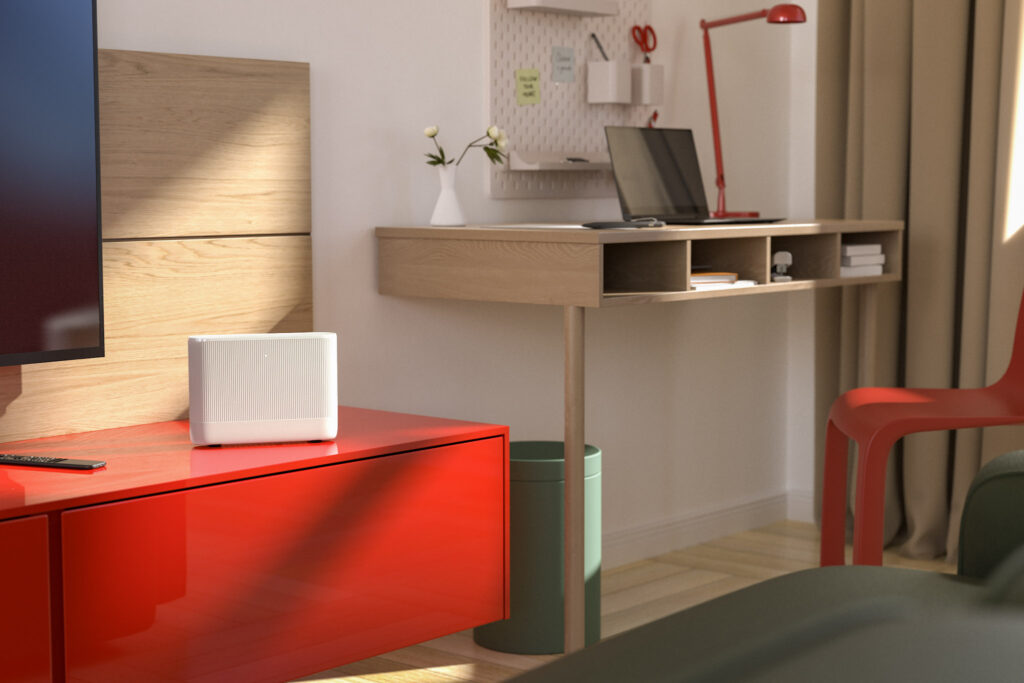
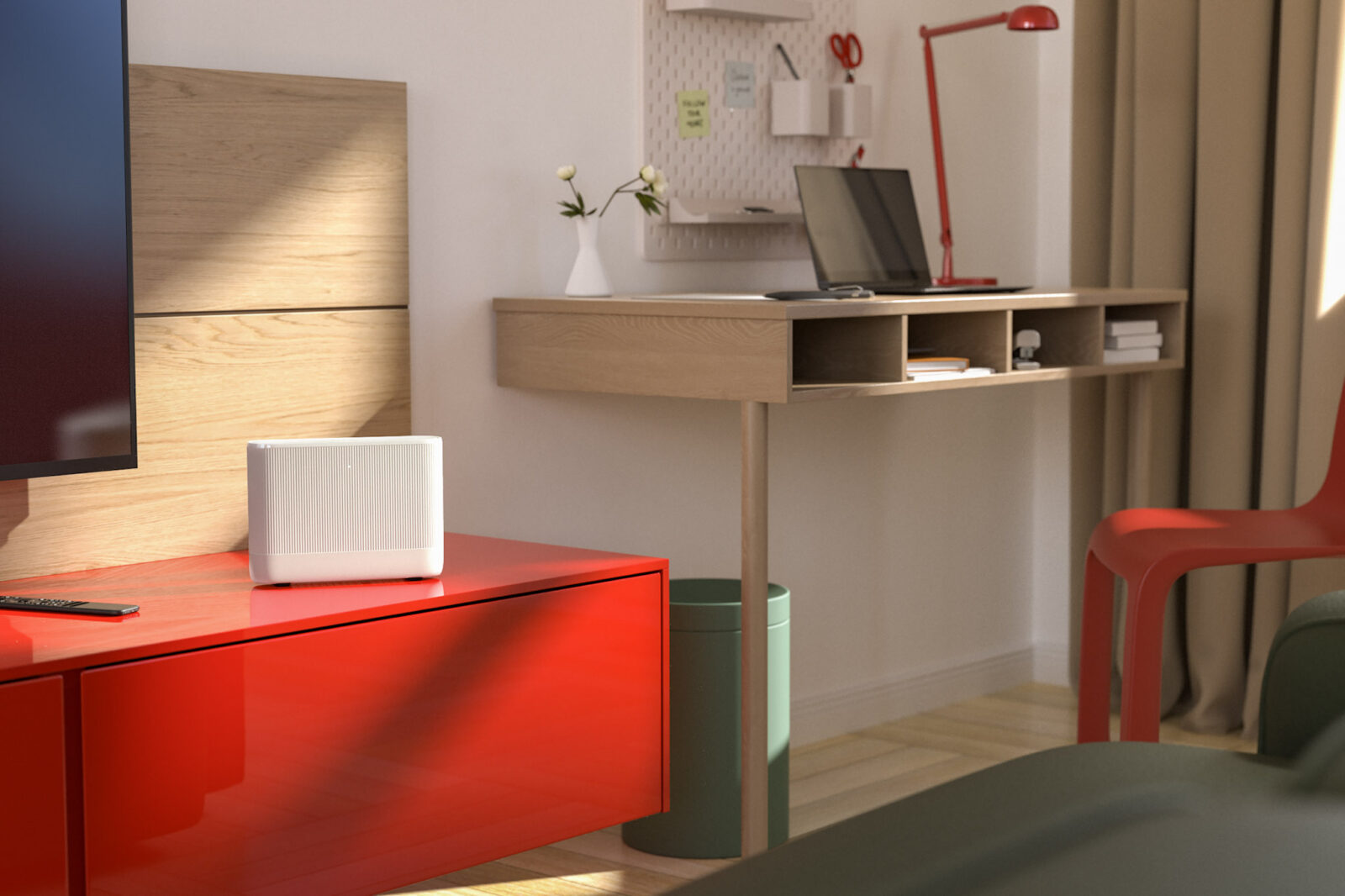
Credit: Vodafone – Modern home broadband setup
<strong>1. Broadband Speed and Availability: Your Digital Lifelinestrong>
Before falling in love with a property, check what broadband speeds are actually available at that specific address. Don’t rely on general area information – speeds can vary dramatically even between neighbouring houses.
<strong>Essential Speed Checks:strong>
- Use Ofcom’s broadband checker for official availability data
- Check multiple postcode checkers like Uswitch and MoneySuperMarket
- Ask current homeowners about their actual speeds, not just what’s advertised
- Consider future upgrades – is full fibre (FTTP) planned for the area?
<strong>What speeds do you need?strong> For most households: 30-50Mbps for general use, 67Mbps+ for 4K streaming and multiple users, 100Mbps+ for heavy users and home workers.
<strong>2. Router Placement: The Heart of Your Home Networkstrong>
The location of your broadband entry point can make or break your wifi coverage. This is crucial and often overlooked during viewings.
Credit: Ryan Fitton – Professional ethernet installation in UK home
<strong>What to Look For:strong>
- <strong>Master telephone socket locationstrong> – this is where your router will likely need to go
- <strong>Central positioningstrong> – avoid corners, cupboards, or rooms at the very edge of the property
- <strong>Height considerationsstrong> – routers work better when elevated, not hidden in cabinets
- <strong>Ventilation spacestrong> – routers need airflow to prevent overheating
- <strong>Proximity to main living areasstrong> – closer to where you’ll actually use devices
<strong>Red flags:strong> Master socket in a garage, basement, or furthest corner of the house. These locations will create wifi dead zones and may require expensive rewiring.
<strong>3. Thick Walls: The Silent Signal Killerstrong>
UK homes, particularly older properties, often feature thick stone, brick, or concrete walls that can severely impact wifi signals. This is one of the biggest tech challenges overlooked by buyers.

Credit: Netgear – How walls affect wifi signals
<strong>Wall Types to Watch Out For:strong>
- <strong>Solid brick/stone wallsstrong> (pre-1930s properties) – can reduce wifi signal by 50-90%
- <strong>Concrete block constructionstrong> – common in 1960s-80s builds
- <strong>Metal reinforced wallsstrong> – particularly problematic for wireless signals
- <strong>Multiple thick internal wallsstrong> between router location and main living areas
<strong>Testing During Viewings:strong>
- Check your phone’s signal strength in different rooms
- Ask about current residents’ wifi coverage experiences
- Look for existing wifi extenders or mesh systems (a telltale sign of coverage issues)
<strong>Solution preview:strong> Budget for mesh wifi systems (£200-500) or ethernet cabling if thick walls are present.
<strong>4. Electrical Socket Positioning: Power Where You Need Itstrong>
Modern homes require power in the right places for all our devices. Poor socket positioning can limit your tech setup options and create unsightly extension lead situations.
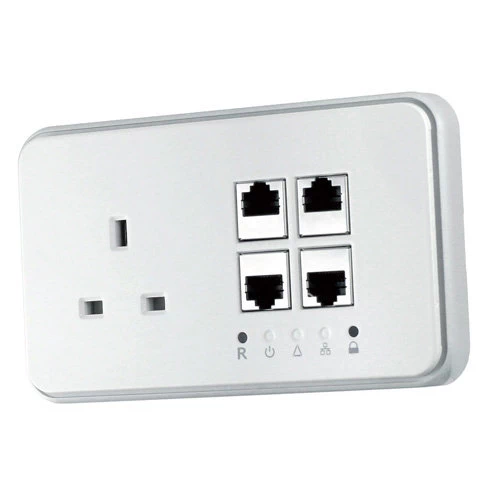
Credit: Sockets & Switches – Modern ethernet and power combination socket
<strong>Essential Socket Checks:strong>
- <strong>Home office potentialstrong> – are there enough sockets where you might work?
- <strong>Living room setupstrong> – sockets positioned for TV, gaming consoles, sound systems
- <strong>Kitchen techstrong> – space for smart appliances, charging stations
- <strong>Bedroom chargingstrong> – bedside sockets for phones, tablets, smart speakers
- <strong>Socket heightstrong> – modern regulations require sockets 450mm+ above floor level
<strong>Pro tip:strong> Count double sockets as essential – single sockets are often insufficient for modern device loads.
<strong>5. Ethernet Infrastructure: The Gold Standardstrong>
While wifi is convenient, wired ethernet connections provide the most reliable high-speed internet. Look for properties with existing or potential for ethernet cabling.
<strong>What to Look For:strong>
- <strong>Existing ethernet socketsstrong> in key rooms
- <strong>Coaxial cable runsstrong> that could be upgraded to ethernet
- <strong>Accessible cable routesstrong> between floors and rooms
- <strong>Phone line ductingstrong> that could accommodate ethernet cables
<strong>Investment consideration:strong> Professional ethernet installation typically costs £100-200 per room, but adds significant value for tech-savvy buyers.
<strong>6. Smart Home Readinessstrong>
Future-proof your purchase by considering smart home potential during your viewing.
<strong>Smart Home Essentials:strong>
- <strong>Adequate electrical supplystrong> – smart homes use more power
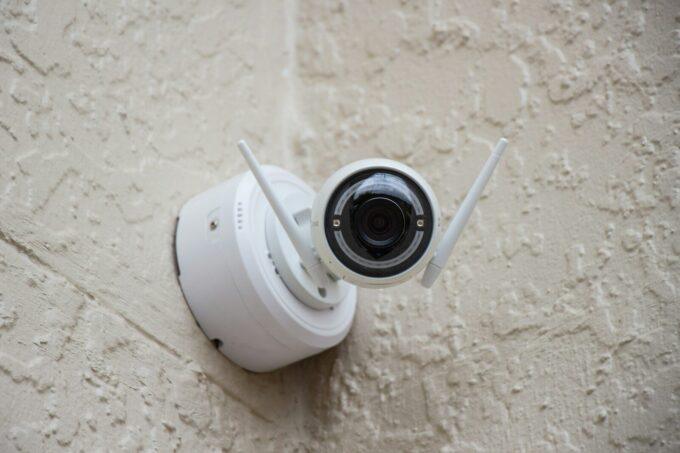
- <strong>Strategic socket placementstrong> for smart speakers, hubs, security cameras
- <strong>Good mobile signalstrong> – many smart devices need backup mobile connectivity
- <strong>Outdoor power optionsstrong> – for security cameras, smart doorbells, garden tech
<strong>7. Home Office Potentialstrong>
With hybrid working now standard, assess each property’s home office potential.
<strong>Key Considerations:strong>
- <strong>Natural light and ventilationstrong> in potential office spaces
- <strong>Proximity to router/good wifi coveragestrong>
- <strong>Adequate electrical supplystrong> for computers, monitors, printers
- <strong>Space for desk setupstrong> without blocking natural room flow
- <strong>Privacy and noise considerationsstrong> for video calls
<strong>8. Questions to Ask During Viewingsstrong>
Come prepared with these essential tech-focused questions:
- What broadband speeds do you actually receive (not just what’s advertised)?
- Where is the master telephone socket located?
- Do you have any wifi dead zones in the house?
- Have you needed wifi extenders or mesh systems?
- Are there any existing ethernet cables installed?
- What’s the mobile phone signal like throughout the house?
- Are there any plans for fibre upgrades in the area?
<strong>9. Future-Proofing Considerationsstrong>
Think beyond current needs to future technology requirements:
<strong>Emerging Tech Considerations:strong>
- <strong>Electric vehicle chargingstrong> – garage or driveway electrical supply
- <strong>Solar panel potentialstrong> – south-facing roof space and electrical panel capacity
- <strong>Home battery systemsstrong> – space and electrical infrastructure
- <strong>Advanced smart home systemsstrong> – may require upgraded electrical panels
<strong>10. Red Flags to Avoidstrong>
Some warning signs that should make you think twice:
- Master socket in garage, basement, or property extremities
- No mobile signal in parts of the house
- Current owners using multiple wifi extenders
- Very old electrical installation (pre-2000s without upgrades)
- No available upgrade path for faster broadband
<strong>Making the Right Choicestrong>
A tech-friendly home isn’t just about current convenience – it’s about protecting your investment’s future value. Properties with poor connectivity infrastructure may struggle to attract buyers in years to come, while tech-ready homes command premium prices.
Consider your total cost of ownership: a house that seems cheaper might require thousands in tech upgrades, while a property with existing ethernet infrastructure and good broadband could save you significant money and hassle.
<strong>Budget considerations:strong> Factor in £500-2000 for potential tech upgrades when comparing properties. This might include mesh wifi systems, ethernet installation, additional electrical sockets, or broadband infrastructure improvements.
<strong>Final advice:strong> Don’t let estate agents brush off your tech questions as “minor details.” In 2025, a home’s digital infrastructure is as important as its plumbing or heating. Take the time to properly assess these factors – your future self (and home working setup) will thank you.