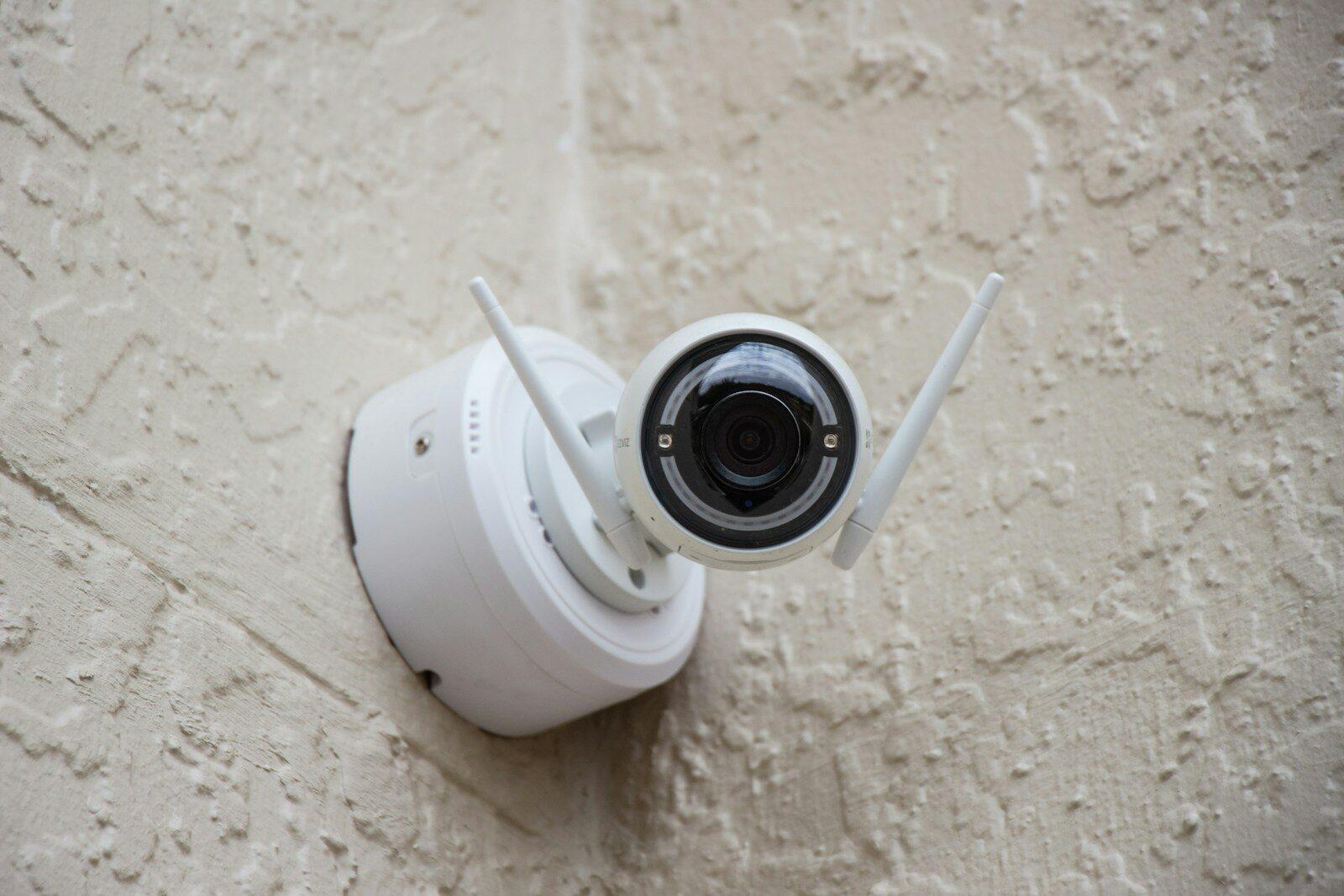
A home security camera is only as reliable as the broadband connection behind it. You can spend hundreds of pounds on the latest 4K smart camera, but if your internet speed cannot keep up, you will get choppy footage, delayed alerts, and gaps in your recordings at exactly the moments that matter most.
Broadband speed requirements for security cameras are widely misunderstood. Most buyers focus on download speed because that is the headline figure providers advertise. For cameras, though, upload speed is the number that determines whether your system works properly. Getting this right before you buy or upgrade your cameras saves frustration and money.
Why Broadband Speed Matters for Home Security Cameras
Modern security cameras do not simply record to a local hard drive. Most cloud-connected cameras from brands like Ring, Arlo, Nest, and Eufy stream video data continuously to remote servers. That stream travels over your broadband connection, competing for bandwidth with every other device in your home.
When available bandwidth falls short, cameras reduce video quality automatically, introduce buffering on live views, or fail to upload clips altogether. Ofcom’s 2024 UK Home Broadband Performance report found that average UK upload speeds sit at around 21 Mbps for fibre-to-the-cabinet (FTTC) connections, but standard ADSL lines still deliver as little as 0.4 Mbps upstream. That gap is the difference between a crisp, real-time video feed and a camera that drops offline every time someone in the house starts a video call.
Beyond raw speed, consistency matters. A connection that peaks at 10 Mbps upload but dips to 2 Mbps during the evening will cause intermittent failures that are difficult to diagnose.
Understanding Upload and Download Speeds for Cameras
Download speed is what you use when you watch the camera feed on your phone. Upload speed is what your camera uses to push video from your home to the cloud. Both matter, but upload speed is the bottleneck in almost every UK household.
Here is why: most UK broadband packages deliver asymmetric speeds. A typical FTTC deal offering “36 Mbps” usually means 36 Mbps download and around 9 Mbps upload. Full fibre (FTTP) packages tend to offer higher upload speeds, with many providers now delivering symmetric or near-symmetric connections.
Each camera needs a sustained upload stream. A single 1080p camera typically uses between 2 and 4 Mbps of upload bandwidth depending on the compression standard, frame rate, and whether motion-triggered recording is active. A 4K camera can demand 8 to 15 Mbps. These figures represent continuous usage, not short bursts, so your connection must sustain them alongside everything else your household does online.
Minimum Recommended Speeds for 1-2 Home Security Cameras
For a setup of one or two 1080p cameras recording to the cloud, you need at least 4 to 8 Mbps of upload speed dedicated to cameras alone. Factor in other household internet use and a comfortable minimum sits at around 10 Mbps upload.
On the download side, you will want at least 10 Mbps for smooth remote viewing. If you regularly check live feeds from your phone while others in the household are streaming TV or gaming, aim higher.
A standard FTTC connection with 9 to 10 Mbps upload can handle this, but leaves little headroom. Any simultaneous upload activity, such as backing up photos, joining a video call, or sending large email attachments, will eat into that capacity and affect camera performance.
For one or two cameras, a full fibre package with at least 15 Mbps upload gives you breathing room. Several UK providers now offer entry-level FTTP packages at competitive prices that fit this need well.
Broadband Speed for Multiple HD/4K Security Cameras
Scaling up to three or more cameras changes the equation significantly.
Here are realistic bandwidth demands based on camera resolution:
– 1080p camera (H.264 compression): 2 to 4 Mbps upload per camera
– 1080p camera (H.265 compression): 1.5 to 3 Mbps upload per camera
– 2K camera: 3 to 6 Mbps upload per camera
– 4K camera: 8 to 15 Mbps upload per camera
A four-camera 1080p system using H.265 compression needs roughly 6 to 12 Mbps of upload bandwidth. The same number of 4K cameras could demand 32 to 60 Mbps. That second figure exceeds what most FTTC connections deliver.
If you plan to run multiple 4K cameras, a full fibre connection with at least 50 Mbps upload is the practical minimum. Many FTTP packages from providers like BT, Hyperoptic, and Zen Internet offer upload speeds from 50 Mbps up to 900 Mbps, depending on the tier. Ofcom’s guide to broadband technologies explains the differences between FTTC, FTTP, and cable connections in more detail.
Factors Affecting Your Home Security Camera’s Performance
Raw broadband speed is only one piece of the puzzle. Several other factors determine whether your cameras deliver reliable footage.
Wi-Fi signal strength is the most common cause of camera issues. A camera mounted at the far end of a garden or on a garage wall may sit at the edge of your router’s range. Thick walls, metal cladding, and interference from neighbouring networks all degrade signal quality. A camera may technically be connected to Wi-Fi but only achieving a fraction of your broadband’s full speed.
Router quality plays a significant role too. The free router supplied by most UK providers handles basic browsing well, but struggles with multiple simultaneous video streams. Cameras need consistent, low-latency connections, and a budget router juggling 15 devices at once cannot always deliver that.
Network congestion during peak hours (typically 7 pm to 10 pm) can reduce available bandwidth. The Internet Service Providers’ Association (ISPA) has noted that while average speeds continue to rise, contention ratios on shared infrastructure mean individual connections still experience slowdowns during busy periods.
Camera compression settings make a measurable difference. Cameras using H.265 (HEVC) compression need roughly 30 to 50% less bandwidth than those using the older H.264 standard for the same image quality. Check your camera’s settings or specifications before estimating bandwidth needs.
Monitoring Your Broadband Speed for Camera Stability
Testing your broadband speed once is not enough. Speeds fluctuate throughout the day, and the figure your provider advertises is an average, not a guarantee.
Use a reliable speed test tool at different times. Ofcom’s broadband and mobile checker gives estimates for your area, while running tests directly on your router provides a more accurate picture of what your connection actually delivers. Test at peak and off-peak times to understand the range.
Pay specific attention to upload speed. Many popular speed test sites display download speed prominently and upload in smaller text. For camera troubleshooting, upload is the number you need.
If you notice cameras buffering or dropping offline at specific times, log your speeds during those windows. A pattern of evening slowdowns points to network congestion, which a provider upgrade or a switch to full fibre may resolve.
Some mesh router systems and advanced routers offer built-in device monitoring. These tools show you exactly how much bandwidth each camera consumes in real time, making it straightforward to identify when a camera is starved of bandwidth.
Tips for Optimising Your Network for Security Cameras
Before upgrading your broadband package, several practical steps can improve camera performance on your existing connection.
Place your router centrally. A router tucked in a cupboard near the front door sends most of its signal outside the house. Moving it to a central, elevated position improves coverage across your property.
Use a mesh Wi-Fi system or dedicated access points. For cameras positioned far from the router, a mesh system like TP-Link Deco or Google Nest Wifi extends reliable coverage without the dead zones that traditional range extenders often create.
Assign cameras to the 5 GHz band where possible. The 5 GHz band offers faster speeds and less interference than 2.4 GHz, though its range is shorter. If your camera is within range, 5 GHz is the better choice. Some cameras only support 2.4 GHz, so check compatibility first.
Enable Quality of Service (QoS) on your router. QoS settings let you prioritise traffic from security cameras over less urgent activity like software updates or file downloads. Most mid-range and higher routers support this feature.
Consider wired connections for critical cameras. Power over Ethernet (PoE) cameras receive both power and data through a single Ethernet cable, bypassing Wi-Fi entirely. This gives you the most stable connection possible and frees up wireless bandwidth for other devices.
Reduce unnecessary upload activity. Cloud backup services running in the background, automatic photo syncing, and peer-to-peer applications all consume upload bandwidth. Scheduling these for overnight hours keeps daytime bandwidth clear for cameras.
Choosing the Right Broadband Package for Your Smart Home
Your camera setup should guide your broadband choice, not the other way around.
For a household with one or two 1080p cameras and moderate internet use, a standard FTTC package with at least 10 Mbps upload will work. If your area has access to FTTP, even an entry-level full fibre plan offers a better experience.
For homes running three or more cameras, or any 4K cameras, full fibre becomes a practical requirement. Look for packages advertising at least 50 Mbps upload. Openreach’s fibre checker lets you see whether FTTP is available at your address.
When comparing packages, focus on guaranteed minimum speeds rather than “up to” figures. Ofcom requires providers to give realistic speed estimates at the point of sale, and you have the right to exit your contract if speeds consistently fall below the minimum guaranteed in your agreement.
Smart homes rarely stop at cameras. Video doorbells, smart speakers, tablets, and connected appliances all share the same connection. Each 4K streaming device uses 20 to 25 Mbps of download bandwidth. A household with four cameras, two streaming TVs, and several smart devices needs a package that can serve all of them without compromise.
The cost difference between a basic broadband deal and a package with proper upload speeds is often less than £10 per month. Given that the cameras themselves can cost £100 to £300 each, investing in a connection that lets them perform properly is a practical decision, not a luxury.
Getting broadband speed right from the start means your security cameras work when you need them most, not just when the network happens to be quiet.