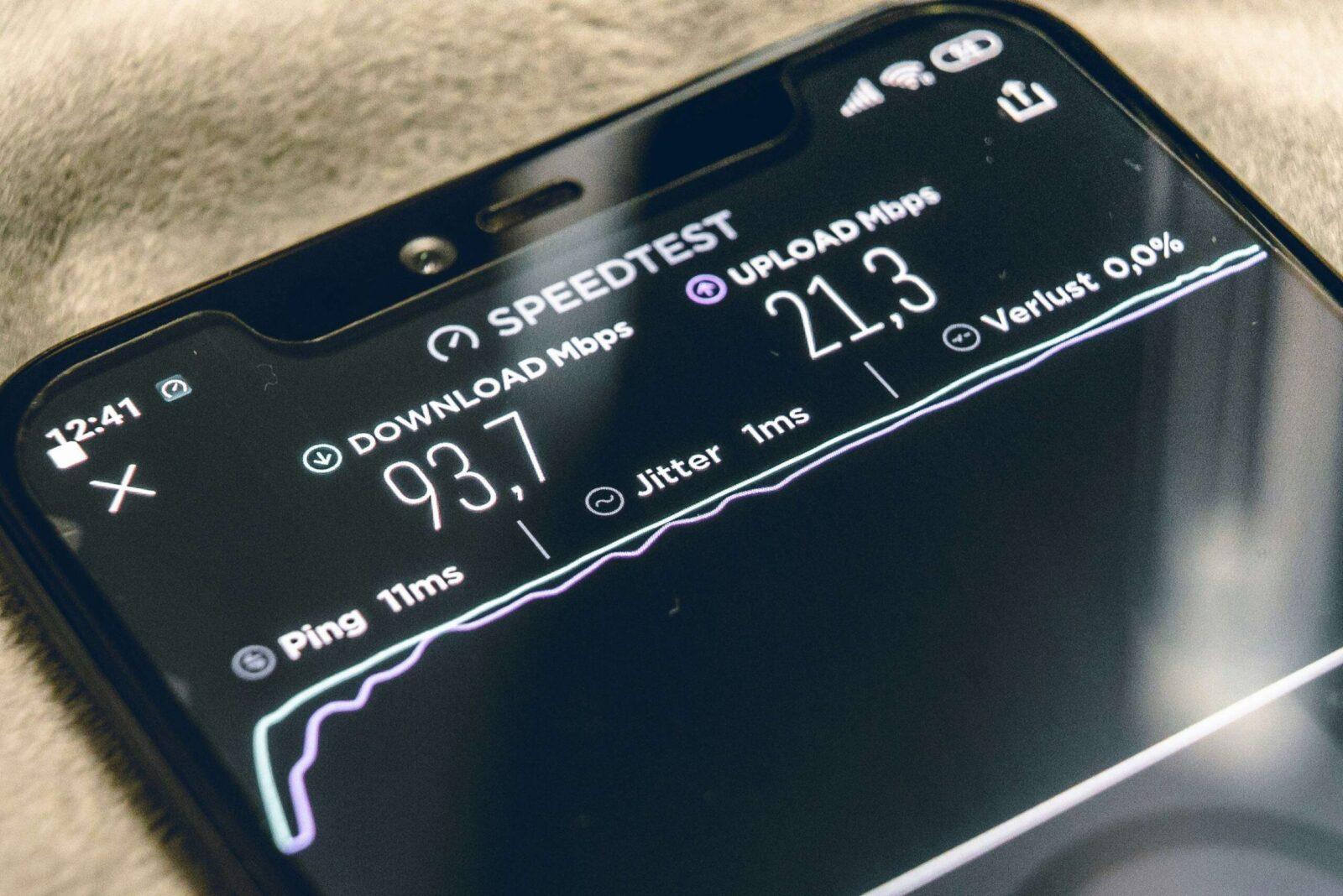
Most broadband deals shout about download speeds. The number on the advert, the one Ofcom tests, the figure you compare when switching provider. Upload speed rarely gets the same attention, yet it affects everything from a clear video call to backing up family photos to the cloud. If your upload speed is poor, you will feel it, even on a connection with fast downloads.
This guide breaks down what upload speed actually is, why it matters in 2024, and what UK broadband customers should expect from different connection types.
Upload vs. Download Speed: What’s the Difference?
Download speed measures how quickly data travels from the internet to your device. Loading a webpage, streaming a film, pulling a file from Dropbox: all downloads.
Upload speed measures traffic in the opposite direction. When you send data from your device out to the internet, that’s your upload speed at work. Posting a video to Instagram, sending an email attachment, or sharing your screen on Zoom all depend on it.
The two speeds are rarely equal. On most UK broadband connections, download speed is significantly faster than upload speed. This imbalance exists because traditional broadband infrastructure was built around consumption: people downloading far more data than they send. That assumption held for years, but remote working, cloud storage, and video calling have changed the picture.
Ofcom’s 2024 UK Home Broadband Performance report provides detailed data on typical upload and download speeds across different connection types, and the gap between them remains wide on older technologies.
Why is Broadband Upload Speed Important?
A slow upload speed creates bottlenecks you might not immediately attribute to your broadband. Video calls freeze or drop quality not because your download is struggling, but because your camera feed can’t push data out fast enough. Large file transfers to cloud services crawl. Online gaming suffers from lag because your inputs take too long to reach the server.
The shift to hybrid and remote working made upload speed a practical concern for millions of UK households. A 2023 report from the Office for National Statistics found that around 40% of working adults reported working from home at least part of the time. For those workers, upload speed directly affects productivity: sharing presentations, joining video meetings, uploading documents to shared drives.
Beyond work, households with multiple people uploading simultaneously feel the strain. One person on a Teams call while another backs up photos to iCloud and a third live-streams on Twitch will saturate a weak upload connection quickly.
What’s Considered a Good Upload Speed in the UK?
“Good” depends on what you do, but here are some practical benchmarks:
– 1-2 Mbps: Enough for basic email, sending documents, and browsing. A single standard-definition video call will work, though with little headroom.
– 5-10 Mbps: Comfortable for one or two people working from home. HD video calls run smoothly, and cloud backups happen in the background without noticeable slowdown.
– 20-50 Mbps: Strong enough for multiple simultaneous video calls, large file uploads, and content creation. Uploading video to YouTube or streaming live becomes practical.
– 100 Mbps and above: Available on full fibre (FTTP) connections. Suited to power users, creative professionals, and busy households where several people upload heavy files at the same time.
Most standard fibre-to-the-cabinet (FTTC) connections in the UK deliver upload speeds between 9 and 20 Mbps. Full fibre packages from providers like BT, Zen, and CityFibre offer symmetrical or near-symmetrical speeds, where upload matches or comes close to download.
Factors Affecting Your Upload Speed
Several things determine the upload speed you actually get, as opposed to the headline figure in your contract.
Connection type is the biggest factor. ADSL broadband, which still serves millions of UK premises, typically delivers upload speeds of just 0.4 to 1 Mbps. FTTC connections cap upload speeds at around 20 Mbps due to the copper line between your home and the street cabinet. Full fibre (FTTP) removes this copper bottleneck entirely, and upload speeds can reach 100 Mbps, 500 Mbps, or higher depending on the package.
Distance from the exchange or cabinet matters on ADSL and FTTC. The longer the copper cable between your home and the nearest infrastructure point, the more signal degrades, and upload speed drops faster than download on these connections.
Network congestion plays a role too. During peak hours, typically between 7pm and 10pm, your provider’s network carries more traffic. Upload speeds can dip during these windows, though full fibre connections tend to be more resilient.
Your router and home network can also limit performance. An older router may not support the speeds your connection offers. Wi-Fi interference from walls, other devices, and neighbouring networks reduces throughput in both directions. A wired ethernet connection almost always delivers faster, more stable upload speeds than Wi-Fi.
The device itself can be a factor. Older laptops and phones with outdated Wi-Fi standards (802.11n or earlier) may bottleneck your upload before the broadband connection does.
How to Check Your Current Upload Speed
Running an upload speed test takes under a minute. Ofcom’s broadband speed checker provides results tailored to UK connections. You can also try independent tools such as Speedtest by Ookla, which tests both download and upload in a single run.
For accurate results:
– Connect your device directly to the router using an ethernet cable, if possible.
– Close other applications and pause any downloads or cloud syncs running in the background.
– Run the test at different times of day to get a realistic range rather than a single snapshot.
– Test on more than one device to rule out device-specific limits.
Compare your results against the speed your provider advertises. Ofcom requires providers to give customers an estimated speed range at the point of sale. If your upload speed consistently falls below the minimum guaranteed speed in your contract, you have grounds to complain and, if the provider can’t fix it, to leave without penalty under Ofcom’s voluntary codes of practice on broadband speeds.
Improving Your Broadband Upload Performance
If your upload speed falls short of what you need, a few practical steps can help before you consider switching provider.
Reposition your router. Place it centrally in your home, away from walls and electronic interference sources like microwaves and baby monitors. Elevation helps: a shelf is better than the floor.
Switch to a wired connection. Plugging directly into the router with an ethernet cable removes Wi-Fi variability. For devices too far from the router, powerline adapters or a mesh Wi-Fi system can improve consistency.
Update your router firmware. Manufacturers release updates that fix bugs and improve performance. Check your router’s admin panel or your provider’s support page for instructions.
Manage connected devices. Smart home gadgets, security cameras uploading footage to the cloud, and background app syncing all consume upload bandwidth. Prioritise the devices and activities that need it most.
Upgrade your package or provider. If you’re on ADSL or a basic FTTC package, upgrading to a faster FTTC tier or switching to full fibre (where available) is the most effective way to increase upload speed. Use Ofcom’s coverage checker or your provider’s availability tool to see what’s accessible at your address.
Upload Speeds Across Different Broadband Types
The type of broadband connection reaching your home sets the ceiling for your upload speed. Here’s what to expect from each:
– ADSL (standard broadband): Upload speeds of 0.4 to 1 Mbps. Delivered entirely over copper phone lines. Still common in rural areas where fibre hasn’t reached.
– FTTC (superfast broadband): Upload speeds of 9 to 20 Mbps. Fibre runs to the street cabinet, then copper carries the signal to your home. The copper section limits upload speed.
– FTTP (full fibre/ultrafast): Upload speeds from 36 Mbps to over 900 Mbps, depending on the package. Fibre runs directly to your premises with no copper involved. Many full fibre packages offer symmetrical speeds.
– Virgin Media (cable/HFC): Upload speeds typically range from 36 to 52 Mbps on higher-tier packages. Cable technology prioritises download speeds, so the upload-to-download ratio is less balanced than on full fibre.
– 5G home broadband: Upload speeds vary widely based on signal strength and network load, but typically fall between 10 and 50 Mbps. Useful where fixed-line options are limited.
Full fibre rollout continues to expand across the UK. Ofcom’s Connected Nations 2023 report found that full fibre was available to around 52% of UK premises, up from 42% a year earlier. That figure keeps climbing as Openreach, CityFibre, and smaller alt-net providers extend their networks.
Common Activities Reliant on Good Upload Speed
Knowing which tasks depend on upload speed helps you judge whether your current connection meets your needs.
Video conferencing (Zoom, Teams, Google Meet): A one-to-one HD video call needs around 3-4 Mbps upload. Group calls with screen sharing push that higher, especially if you present video content.
Cloud storage and backup: Services like Google Drive, OneDrive, and iCloud continuously sync files. Uploading a 1GB folder on a 10 Mbps upload connection takes roughly 14 minutes. On a 1 Mbps ADSL upload, the same transfer takes over two hours.
Live streaming: Platforms like Twitch and YouTube Live recommend at least 6-8 Mbps upload for a 1080p stream. Professional streamers running at higher bitrates need 15 Mbps or more.
Online gaming: While gaming itself uses relatively little bandwidth, upload speed affects latency and responsiveness. Streaming gameplay and in-game voice chat add to the demand.
Social media content creation: Uploading high-resolution photos and videos to platforms like TikTok, YouTube, or Instagram depends heavily on upload speed. Creators working with 4K video files notice the difference between 10 Mbps and 100 Mbps immediately.
Smart home devices: Security cameras, video doorbells, and other IoT devices that upload footage to the cloud consume steady upload bandwidth. A household running three or four cameras can use 5-10 Mbps of upload continuously.
Looking Ahead
Upload speeds in the UK are improving faster now than at any point in the last decade, driven primarily by the expansion of full fibre. As FTTP availability grows and more households move away from copper-based connections, the old assumption that upload speed doesn’t matter is fading. If you’re choosing a new broadband deal, pay as much attention to the upload figure as the download one. Your next video call, cloud backup, or file transfer will thank you.