How to check what broadband speed is available at your address (UK guide)
 Julian Glover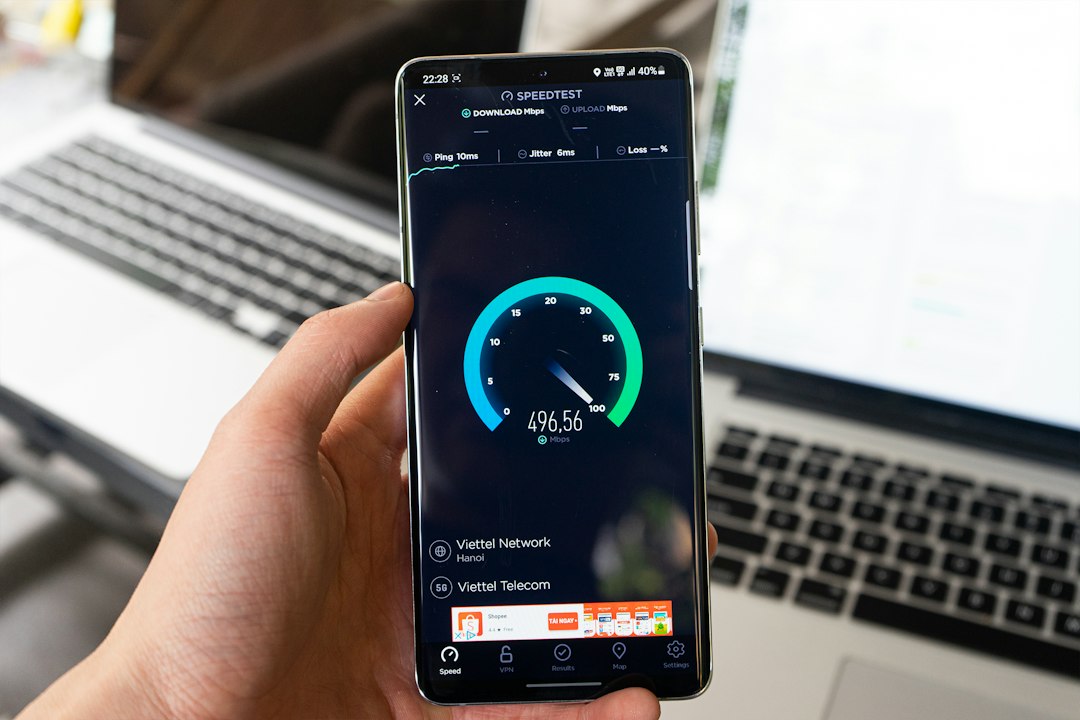
The fastest way to find out what broadband you can get is to check at your full address, not just your postcode. Start with the Ofcom broadband coverage checker, which shows the services present at your location and the highest estimated speeds for each. Then cross-check with an independent tool like thinkbroadband, and, if you want to know about full fibre and gigabit specifically, use the GOV.UK gigabit availability check for England and Wales.
That covers most people. The rest of this guide explains how to read what these checkers tell you, why different tools give different answers, and what your options are if the speeds on offer are disappointing.
What 'available broadband speed' actually means
An availability check tells you the fastest estimated speed you could order at your property, based on the networks that reach it. It is a prediction about potential, not a measurement of what you are getting right now.
Ofcom is explicit about this: the speeds shown are "the fastest estimated speeds predicted by the network operator(s) providing services in this area", and the actual service or speed at a given property may differ. So treat the headline number as a ceiling, not a promise.
The UK uses a few speed categories worth knowing:
- Standard broadband: download speeds under 30Mbps
- Superfast broadband: between 30Mbps and 300Mbps
- Ultrafast broadband: over 300Mbps
Gigabit broadband means speeds up to 1Gbps (1,000Mbps), which sits at the top of the ultrafast band.
Why a full address beats a postcode-only check
Many checkers let you type in a postcode and stop there. That gives you a picture of the street, but availability and speed can vary house by house, especially with older copper-based connections where distance from the cabinet or exchange matters.
Whenever a tool offers it, enter your postcode and then select your exact address from the list. A postcode-level answer tells you what is generally around; a property-level answer tells you what is actually at your door. For connections such as fixed wireless, even an address-level result may not be guaranteed until the provider carries out a site survey.
Using the Ofcom broadband coverage checker
The Ofcom checker is the natural first stop because it is the regulator's own tool and it covers both fixed broadband and mobile coverage. Enter your postcode, or let the site find your location, and it returns a table of the broadband types present, each with the highest available download and upload speed.
The availability icons are the part to read carefully:
- Green tick: packages in this speed category are generally available in your area
- Amber triangle: available to some properties in the area, but not all
- Red cross: not available
An amber triangle is the one to watch. It means the category exists nearby but might not reach your specific property, which is exactly why checking at full address level matters.
The Ofcom tool also flags whether satellite broadband (such as Starlink) might be an option, whether any fixed wireless access providers cover your area, and whether you may be eligible for a decent service under the Universal Service Obligation if nothing adequate is available.
Checking full fibre and gigabit availability
If your main question is whether you can get full fibre or gigabit, two tools help here.
The GOV.UK gigabit broadband availability check lets you find out if gigabit broadband is available or planned for your address. It is for England and Wales only, with separate services for Scotland and Northern Ireland. The underlying data comes from an Open Market Review of suppliers' delivery plans and is refreshed roughly every four months, so it reflects both what exists now and what providers say is coming. Because that information changes as suppliers update their plans, the government notes it cannot guarantee complete accuracy for any given address.
That gigabit check sits alongside Project Gigabit and the Gigabit Broadband Voucher Scheme, the government programmes aimed at extending gigabit-capable connections, particularly to harder-to-reach areas.
For a sense of scale, independent data from thinkbroadband puts UK full fibre (fibre to the premises) coverage at around 86% of premises, with higher figures in Northern Ireland (97.3%) and lower in Scotland (80.1%). Superfast coverage of 30Mbps or faster reaches about 98.6% of the UK. So most homes can get superfast, but full fibre, while widespread, is not yet everywhere.
Independent and provider checkers compared
No single checker sees everything, which is why cross-checking is worth the few extra minutes.
thinkbroadband runs an independent postcode checker and publishes detailed coverage statistics. Its data is independent of Ofcom and includes the major operators (Openreach, Virgin Media, Hyperoptic, CityFibre, KC) plus over 40 other full fibre networks. Useful to know: there is a lag between infrastructure going live and showing up, around two to four weeks for FTTC and a little longer for full fibre.
Property Checker and Broadbandcheck.co.uk are commercial tools that return maximum download and upload speeds for an address and flag superfast or ultrafast availability. Broadbandcheck covers the eight largest providers (Virgin Media, BT, Plusnet, EE, NOW Broadband, Sky, TalkTalk and Vodafone) along with specialists such as Gigaclear and Hyperoptic, and mobile broadband from Three, Vodafone and O2.
Here is the key point most tool pages do not spell out: many providers run over the Openreach network, so they tend to show similar coverage and speeds. But Virgin Media uses its own cable network, and alternative networks (altnets) like CityFibre, Gigaclear and Hyperoptic run separate infrastructure of their own. An Openreach-based check can miss these entirely. Virgin Media, for example, covers around 70% of the UK against Openreach's roughly 95%, but where it reaches it can offer speeds a copper-based line never will.
So a sensible routine is: Ofcom first for the overview, an independent checker like thinkbroadband to confirm, and then a direct look at Virgin Media and any local altnet, because those are the connections most likely to be under-reported.
How to read the results: connection types and what they mean
The speed you can get depends heavily on how the line reaches your home.
ADSL (standard broadband) runs over the old copper telephone network. Speed drops the further you are from the exchange: possibly up to around 16Mb close by, under 2Mb in remote spots, with an average near 10 to 11Mb.
FTTC (fibre to the cabinet) runs fibre to the green street cabinet, then copper for the last stretch to your house. Entry-level packages are often capped around 36Mb, with higher-end options averaging roughly 63 to 67Mb. The nearer the cabinet, the better.
FTTP (fibre to the premises), or full fibre, runs fibre all the way into your home with no copper involved. It commonly reaches 1,000Mbps or more, and distance from the exchange stops being the limiting factor. Some full fibre packages deliberately cap the speed to keep the price down, so a lower advertised figure does not always mean the line can't do more.
Cable (Virgin Media) uses its own network and averages roughly 54Mb on entry-level deals up to around 362Mb on the top package.
Gigabit is delivered either over full fibre or over upgraded cable (DOCSIS 3.1).
There is also G.fast, an older Openreach copper upgrade that can reach up to 330Mb. Openreach stopped rolling it out in 2019 to focus on full fibre, so where it exists it remains available, but only through a limited set of providers.
Availability check vs live speed test: don't confuse the two
These answer completely different questions, and several tools blur the line.
An availability check predicts the fastest speed you could order at an address. Use it when you are moving, switching, or weighing up an upgrade.
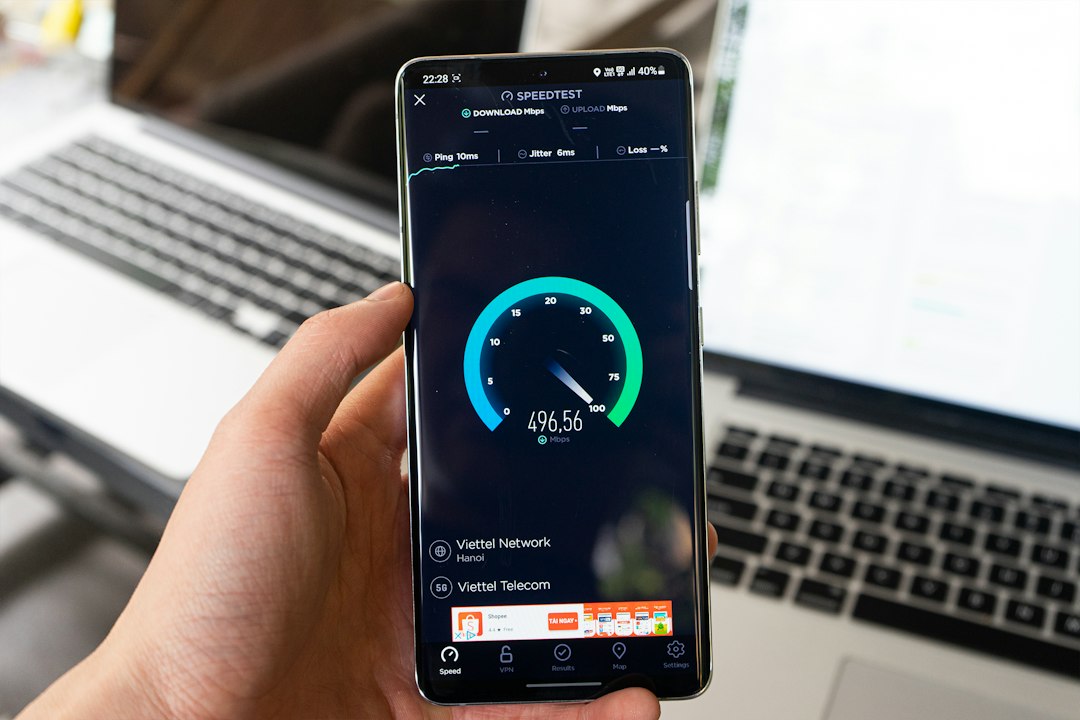
A live speed test measures what your current connection is actually delivering at that moment. Use it to check you are getting what you pay for, to spot a slowdown over time, or to diagnose a problem.
For an accurate speed test, run it with other devices and apps off the internet, and as close to the router as possible, ideally plugged in with a network cable. A wireless test tells you about your Wi-Fi, which is often the real bottleneck, rather than the line itself. If you complain to a provider, they will measure at the router, so that is the figure that decides whether you are getting what you paid for.
As a rough guide to what you need: around 25Mb/s suits an average household. Streaming 4K needs roughly 13 to 34Mb/s, HD less, and video calls as little as 0.3 to 1.5Mb/s. For gaming, latency (ping) matters as much as raw speed, with under 40ms considered optimal.
What to do if only slow broadband is available
If the checkers only offer a slow connection, you still have options.
The Universal Service Obligation (USO) gives you, since February 2020, a legal right to request a decent broadband service, defined as at least 10Mbps. There is no cost to you if the service can be delivered for under £3,400. The Ofcom checker will indicate if you may be eligible.
Mobile home broadband is another route. With 4G and 5G coverage expanding, home routers that run over the mobile networks can be a genuine alternative to a fixed line. An external 4G antenna can help where signal is marginal.
It is also worth checking the altnets and cable directly. Because Openreach-based checks miss separate networks, look straight at Virgin Media and any local full fibre altnet. A new network may have reached your street without showing on every tool yet.
In rural spots where nothing else reaches, satellite broadband such as Starlink may be an option, and Ofcom flags this where relevant.
And you can ask providers directly. If a fast connection is essential, speak to providers covering your area about what else they can offer. For business needs, a leased line is another route to higher, more dependable speeds.
Frequently asked questions
Which checker is most accurate for my postcode?
No single one is definitive. Start with Ofcom for the official overview, confirm with an independent tool like thinkbroadband, and then check Virgin Media and any local altnet directly, since those are the connections most often missed. Always select your full address rather than stopping at postcode level.
Can I get full fibre or gigabit broadband at my property?
Use the GOV.UK gigabit availability check (England and Wales) to see if it is available or planned, and cross-check with Ofcom and thinkbroadband. Around 86% of UK premises now have full fibre, so there is a good chance, but it varies sharply by area.
Why do speed estimates vary between checkers?
Different tools draw on different data sources and update at different times. There is also a lag between a network going live and it appearing in a checker, around two to four weeks for FTTC and longer for full fibre. And an Openreach-based checker simply won't see Virgin Media or separate altnet infrastructure.
Is the speed on the checker guaranteed?
No. Availability checkers show the highest estimated speed, subject to service actually being available at your property. The guaranteed figure comes from the provider when you order a specific package, and it is the speed measured at the router that decides whether you are getting what you paid for.
Julian Glover
Julian Glover covers UK home and business broadband, comparing providers, explaining new tech, and helping readers find the right deal for their household.