Does house wiring affect broadband speed? a UK guide to internal wiring and slow connections
 Julian Glover
Yes, the wiring inside your house can slow your broadband, but only on certain types of connection, and only up to a point. If you are on an older copper line (ADSL or fibre-to-the-cabinet), the telephone extension wiring running around your home can genuinely drag your speed down. If you are on full fibre (FTTP), internal phone wiring is irrelevant, and anything that feels slow is almost certainly down to Wi-Fi, your devices or your provider instead.
The confusion usually comes from mixing up two completely separate things: the telephone wiring that carries a copper broadband signal into and around your house, and the Wi-Fi and network cabling that spreads the connection to your devices once it arrives. They cause different problems and need different fixes. This guide keeps them apart.
How internal telephone wiring affects DSL and fibre-to-the-cabinet speeds
On a copper or part-fibre line, your broadband arrives as an electrical signal over two thin copper wires. That signal is fragile. Anything that adds noise or interference between the point where the line enters your home and your router can cost you speed.
Extension wiring is a common culprit. Broadband and phone extensions need only the bare minimum of wiring, just two wires, to work. In older homes a third wire was once needed so extension phones could ring, and engineers often still find it connected, sometimes alongside several others. All that excess wiring does is act like a long radio aerial, collecting interference. Getting someone competent to disconnect the unused wires can help.
The quality of the cable matters too. Cheap flat under-carpet extension cable is a known offender and is worth throwing out. Most extension cables and socket adapters are suspects, so the fewer you have between the line and your router, the better.
None of this is a small effect. Engineers have seen dramatic speed increases from binning a bad cable or swapping a failing microfilter, which is the little splitter that lets broadband and phone share the same line. The plug-in dangling filters in particular have a reputation for going faulty and throttling speeds.
The master socket and test socket: how to check if your wiring is the problem
The single most useful thing you can do is test at the master socket. This is the main socket where the phone line enters your home, usually in the hallway or near the front door. If you have several sockets, the master is the one that feeds all the extensions.
Many UK master sockets have a horizontal bar across the front faceplate. Behind that faceplate is a test socket, which connects you directly to the incoming line and bypasses all your internal extension wiring. Using it is the cleanest way to separate a wiring problem from a line problem.
Here is the practical walkthrough:
- Unplug everything from every phone socket in the house, including modems, extension leads, adaptors, microfilters and your router.
- Find the master socket with the horizontal bar across the faceplate.
- Carefully remove the two small screws so the bottom half of the faceplate slides out. On the right-hand side you will see the test socket.
- Plug a microfilter into the test socket, then plug your router into the filter, and try connecting.
If your broadband is noticeably better from the test socket, the fault lies in your extension wiring or other equipment on the line, not the broadband service itself. For a longer, more reliable test, some engineers suggest plugging the router straight in behind the master socket, leaving it a couple of days, and seeing whether the speed improves.
One important caveat: if your master socket does not have that horizontal bar and looks like a single sealed unit, do not unscrew the faceplate. Not every socket is designed to be opened.
Old, damaged or badly connected extension wiring
Beyond interference, wiring simply wears out. Corroded contacts, loose connections and ageing cable all degrade the signal. If a test from the master socket is fine but your usual setup is slow, the extension run between the two is the thing to look at.
This matters for who pays. The wiring on your side of the master socket is generally your responsibility, not the network provider's. If you report a fault and an engineer finds the problem is in your internal extension wiring rather than on the line, the fix falls to you. Testing at the master socket first tells you which side of that line you are on before you call anyone out.
When wiring doesn't matter: full fibre (FTTP) connections
If you have full fibre, you can stop worrying about telephone extension wiring entirely. On FTTP there is no main telephone socket in the traditional sense and no copper carrying your broadband. Your connection terminates at an Openreach modem, and your router plugs directly into that. There is no microfilter and no extension wiring in the path, so none of the copper-era problems apply.
Full fibre is also far more resilient to the outside world. Because it carries data as light rather than electrical signals over copper, it is much less likely to suffer interference. Copper, ADSL and fibre-to-the-cabinet lines sit at the other end of the scale, vulnerable to moisture, interference and physical damage.
Full fibre is being rolled out widely across the UK, so if you are still on copper and struggling, checking whether FTTP is available at your address may be the real fix.
Wi-Fi versus wiring: separating the two problems
Here is where most people go wrong. A slow connection in the back bedroom is usually a Wi-Fi problem, not a wiring problem, and no amount of fiddling with the master socket will help.
Wi-Fi weakens with distance and with anything solid in the way. Walls, doors, furniture and even modern foil-lined insulation block or reflect the signal. Household gadgets interfere too: microwaves, cordless phones and baby monitors all sit in the same radio space. So does placing your router next to a washing machine, television or similar electrical kit.
Wi-Fi speed also depends on your devices. Newer kit supports faster wireless standards; older hardware simply cannot keep up. A smartphone from 2013, for instance, can handle only around half the Wi-Fi speed of a modern one.
To tell Wi-Fi apart from wiring, test with a wired connection. An Ethernet cable from your router gives the most accurate reading of what your line is actually delivering, because it removes wireless interference from the equation entirely. In one real test, a wired connection to a games console hit over 70Mbps while Wi-Fi on the same device managed a measly 42Mbps, nearly twice as fast on the wire. If the wired speed is good but Wi-Fi is poor, your problem is wireless, not your broadband line.
To improve Wi-Fi: place the router centrally and elevated, keep it away from walls and appliances, and avoid corners and basements. If some rooms are stubborn dead zones, a Wi-Fi booster placed halfway between the router and the problem area can help. A powerline adapter, which carries data over your home's electrical wiring, is another option. For anything that stays put, like a TV, console or desktop, running Ethernet is the reliable choice. The rule of thumb is wireless for things that move, wires for things that don't.
Other things that slow your broadband
Wiring and Wi-Fi are only part of the picture. Several other factors have nothing to do with your house at all.
Distance. On copper, the further you are from the exchange or the street cabinet, the slower your line will be. If you are a long way even from a fibre cabinet, you are effectively still a long way from the fast equipment.
Line faults. Your broadband runs over two thin copper wires that may pass through water-filled manholes, up poles and through damp junction boxes. A cracking noise on your phone, especially after rain, can signal a line problem.
Weather. Weather really does affect copper. Moisture can seep into underground lines, cabinets and joints, and even persistent drizzle can cause intermittent faults over time. Heat can make routers and cabinets overheat and throttle speeds. One study found that on the UK's hottest days download speeds dipped by up to 8% and upload speeds sometimes dropped by as much as 27%. Full fibre, carrying light rather than electricity, is far less affected.
Congestion. Your line is shared, and at peak times, usually around 8pm to 10pm in the evening, you may notice slightly slower speeds as more people come online.
Your own usage. Speed is shared between everything connected. With four devices online at once, each gets roughly a quarter of what is available, and streaming, video and gaming are heavy users. Disconnecting kit you no longer use helps.
Your router. Some routers have known faults. A quick search for your model and version will show whether others have had trouble, and a flaky router is worth replacing.
How to run a speed test and work out where the slowdown is
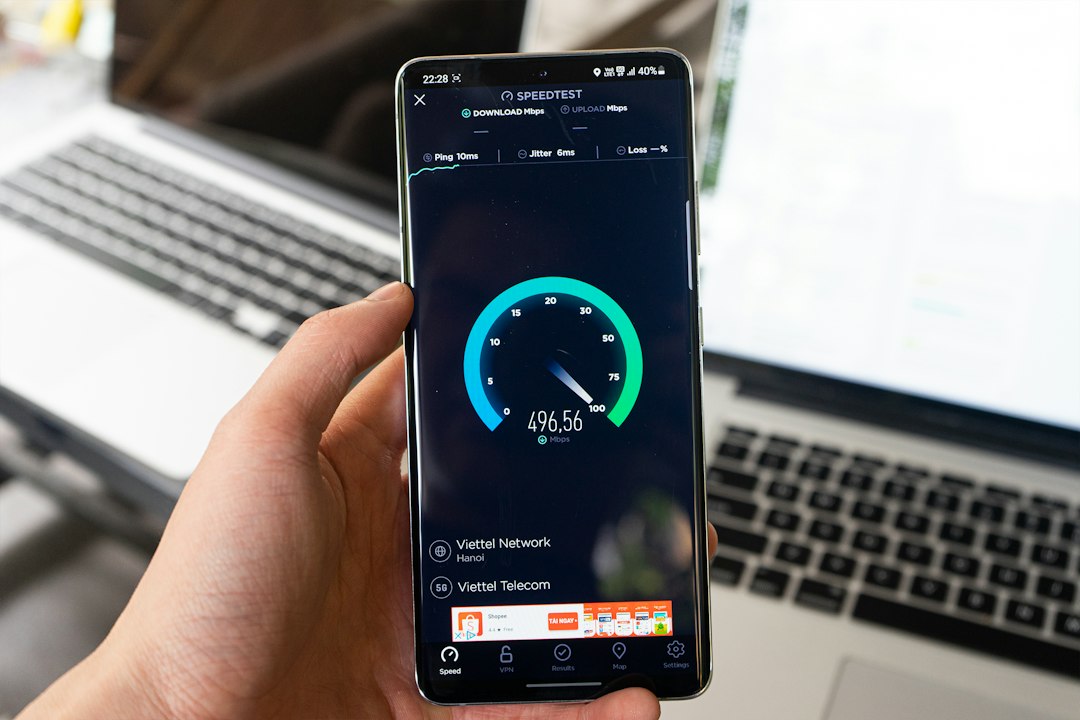
Start with a speed test. Ofcom's Broadband Checker is a reliable tool for UK users. For the most accurate reading, test over an Ethernet cable, disconnect other devices first, and run the test a few times at different points in the day so you can spot peak-time congestion.
The result gives you three numbers. Download speed governs how fast you receive data for streaming and browsing. Upload speed governs how fast you send, which matters for video calls and file sharing. Latency, or ping, measures response time and matters most for gaming and video conferencing.
Compare the result to the speed your provider advertised. If it is far lower, work through the problem in order:
- Test at the master socket. Better there than at your usual spot? The fault is your extension wiring or equipment.
- Test over Ethernet. Good wired but poor Wi-Fi? It is a wireless problem.
- Still slow even wired at the master socket? The issue is the line or your provider, and that is worth reporting.
How to fix or improve a wiring-related slowdown
If the test socket confirms your internal wiring is the culprit, the fixes are mostly cheap and practical. Strip out unused extension wiring and have any redundant third or fourth wires disconnected by someone competent. Bin cheap flat under-carpet cable and unnecessary adaptors. Replace a suspect microfilter, and consider a modern master socket faceplate, which engineers rate as an improvement over the old plug-in filters.
Leave your router switched on. When broadband is first set up, the line is checked over several days to settle on the best stable speed, and switching the router off repeatedly can make the line look unstable and cause your speed to be held back to keep the connection reliable.
If you have done all this and the line is still slow when wired directly into the master socket, the problem is outside your home. At that point it is a job for your provider, and under Ofcom's Broadband Speed Code of Practice, providers that sign up must give you a minimum guaranteed speed. If they cannot meet it after troubleshooting, you can often leave your contract without penalty. And if you are still on copper, checking whether full fibre has reached your street may be the upgrade that solves the problem for good.
Julian Glover
Julian Glover covers UK home and business broadband, comparing providers, explaining new tech, and helping readers find the right deal for their household.