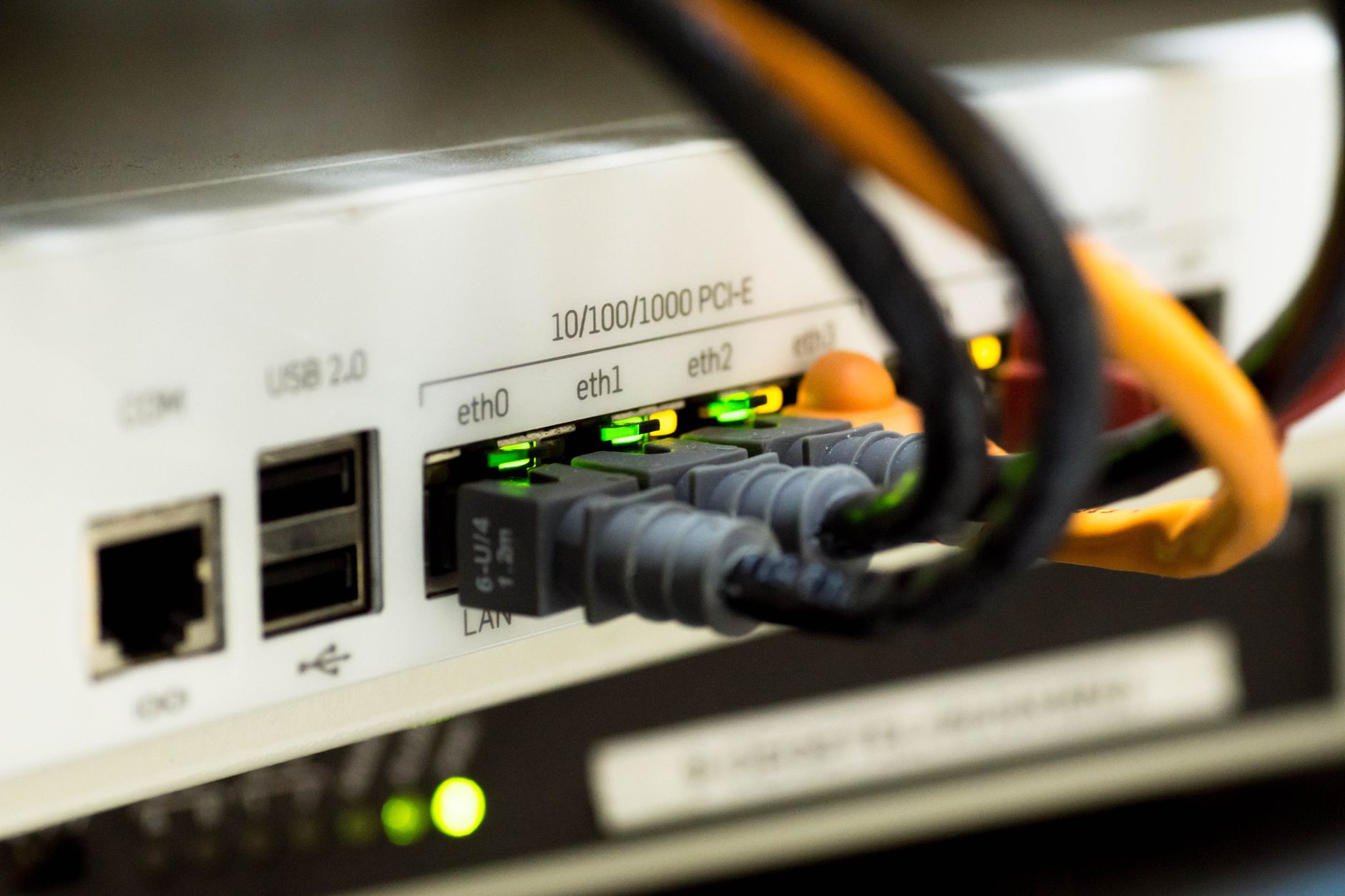
Business broadband installation
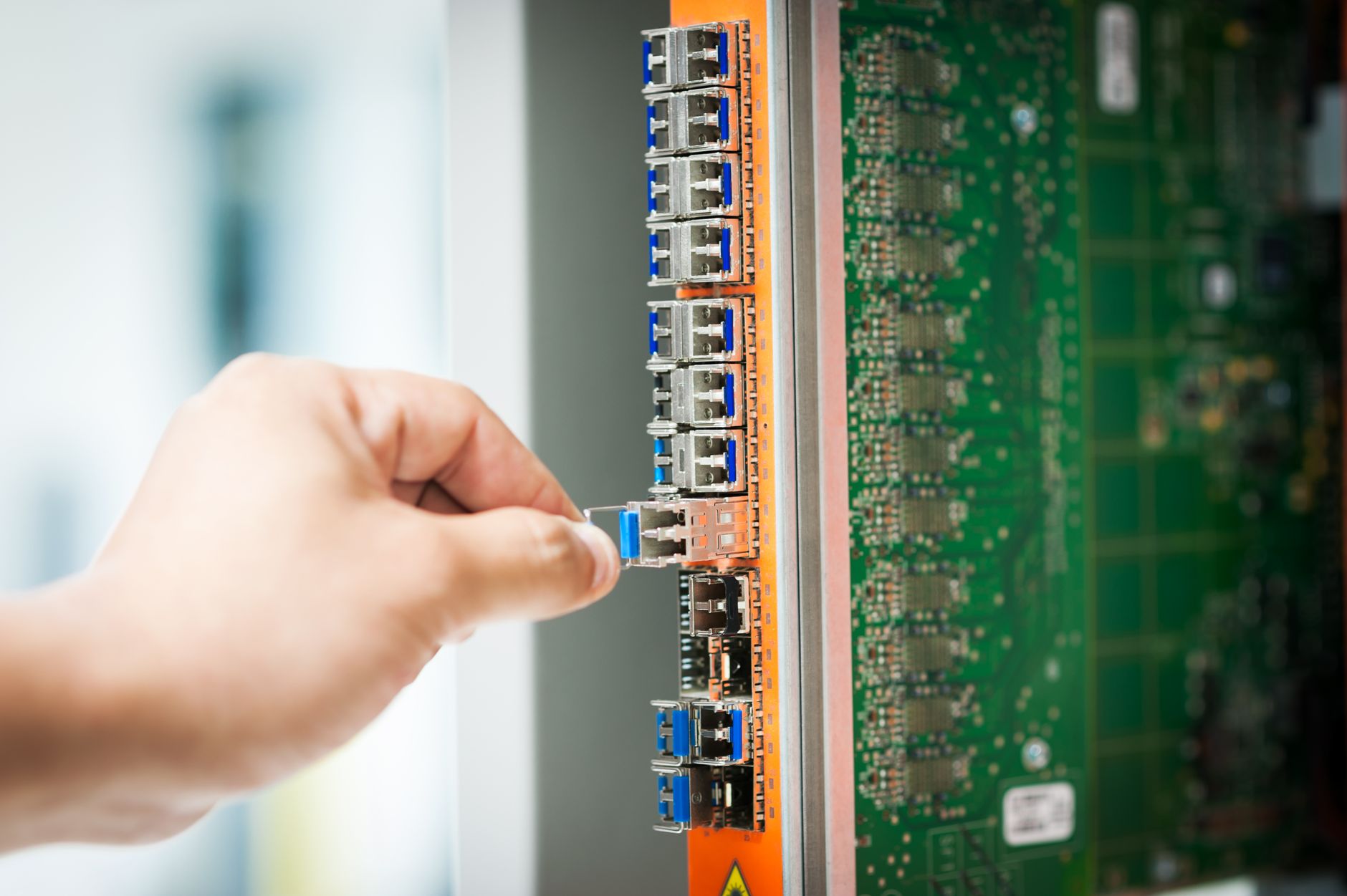
Installing business broadband is fundamentally different from setting up a residential connection. The process involves more complex infrastructure, stricter service level agreements, and often requires careful coordination to minimise business disruption. Whether you're setting up a new office or upgrading your existing connection, understanding what to expect during installation will help ensure a smooth transition and avoid costly downtime.
Pre-installation site survey and preparation
Before any installation work begins, most business broadband providers will conduct a site survey to assess your premises. This step is particularly important for leased line installations or fibre-to-the-premises (FTTP) connections that require new cabling.
During the survey, an engineer will:
- Identify the optimal entry point for external cabling into your building
- Assess the internal route from the entry point to where you need the router installed
- Check for any potential obstacles such as asbestos, listed building restrictions, or complex ducting requirements
- Determine if landlord permissions or wayleave agreements are needed
- Measure distances and evaluate the scope of any civil works required
For standard FTTC (fibre-to-the-cabinet) connections, a full survey isn't always necessary, as the installation typically uses existing copper telephone lines for the final stretch. However, even these installations benefit from confirming that your internal wiring is suitable.
You should prepare your premises by identifying where you want the router located. Consider proximity to your main server room or network equipment, accessibility for engineers, and whether you'll need additional internal cabling run to other parts of your building.
Understanding installation timescales
Business broadband installation timescales vary dramatically depending on the connection type you've ordered:
FTTC and ADSL connections typically take 10-15 working days from order to installation. These use existing telephone infrastructure, so the process is relatively straightforward.
FTTP business connections generally require 30-60 working days. The longer timeframe accounts for potential civil engineering work to bring fibre directly to your premises.
Leased lines have the longest installation periods, typically 60-90 working days, though this can extend to 120 days or more for complex installations. The provider needs to provision dedicated fibre infrastructure exclusively for your business, which often involves roadworks, duct installation, and coordination with local authorities.
These timescales can be affected by factors including building access restrictions, the need for wayleave permissions from landlords or neighbouring properties, and the complexity of any required civil works. Always factor in additional time when planning office moves or connection upgrades.
The installation day: what to expect
On installation day, you'll need to ensure someone responsible is present throughout the process. The installation team typically includes at least one Openreach engineer (for BT infrastructure) or an engineer from your chosen network provider.
The installation process generally follows these stages:
External work: The engineer will install or connect to external cabling, bringing the connection into your building through a suitable entry point. For FTTP and leased lines, this involves drilling through an external wall and installing a sealed entry point.
Internal cabling: The engineer will run cabling from the entry point to your designated router location. This might involve running cables through ceiling spaces, along skirting boards, or through existing cable ducts. The engineer will try to minimise visual impact, but discuss cable routing before work begins if you have specific requirements.
Equipment installation: The engineer will install the Openreach NTE (network termination equipment) or ONT (optical network terminal) on your wall, then connect your business router. For leased lines, additional network termination equipment will be installed.
Testing and commissioning: Once physically installed, the engineer will test the connection, configure basic settings, and ensure the line is active and achieving the expected speeds.
A standard FTTC installation typically takes 1-2 hours, while FTTP installations might take 2-4 hours. Leased line installations are more complex and can take a full day or even require multiple visits.
Post-installation configuration and optimisation
Once the physical installation is complete, you'll need to configure your connection properly for business use. Don't assume the default settings are optimal for your needs.
Network security configuration
Change all default passwords immediately, including both the router administration password and the WiFi password. Enable WPA3 encryption if your equipment supports it, or WPA2 as a minimum.
Configure your firewall settings appropriately for your business. Most business routers include advanced firewall features that should be enabled and configured according to your security requirements.
Quality of Service (QoS) settings
QoS settings allow you to prioritise certain types of traffic over others. This is crucial for businesses using VoIP telephony or video conferencing, which require consistent, low-latency connections. Configure your router to prioritise time-sensitive applications over less critical traffic like software updates or large file downloads.
Static IP configuration
If your business package includes static IP addresses, ensure these are properly configured. You'll need static IPs for hosting servers, running VPNs, or accessing your network remotely. Your provider should supply documentation on how to implement these.
WiFi optimisation
For businesses relying on WiFi, proper configuration is essential. Set up separate SSIDs for staff and guest access, position access points strategically to ensure full coverage, and use WiFi analysis tools to select the least congested channels.
Dealing with common installation issues
Even well-planned installations can encounter problems. Here's how to address the most common issues:
Delayed installation dates: If your installation is postponed, contact your provider immediately to understand why and get a firm new date. For significant delays, you may be entitled to compensation under Ofcom's automatic compensation scheme.
Speed issues: If your connection isn't achieving expected speeds after installation, first test using a wired connection directly to the router. WiFi speeds are always lower than wired speeds. For FTTC connections, speeds can vary based on your distance from the street cabinet. If speeds are significantly below what was quoted, raise this with your provider within the first 30 days.
Intermittent connectivity: This often indicates a line fault or configuration issue. Check all physical connections are secure, restart your router, and if problems persist, log a fault with your provider. Business connections typically include service level agreements guaranteeing fix times.
Equipment problems: If the installed router or other equipment is faulty, your provider should replace it promptly. Business SLAs typically specify replacement timeframes – often next business day for critical faults.
Managing business continuity during installation
Minimising disruption during installation is crucial for businesses that rely heavily on internet connectivity.
Schedule installation during quieter business periods if possible. For some businesses, this might mean weekends or evenings, though this may incur additional costs.
Maintain your existing connection until the new service is fully operational and tested. Most providers can arrange a seamless transition, disconnecting your old service only after the new one is working properly.
For critical operations, consider arranging temporary 4G backup during the switchover period. Many business broadband providers offer 4G backup solutions as standard or optional extras.
Have a communication plan for staff and customers. Let everyone know when the installation will occur and what to expect in terms of potential short service interruptions.
Documentation and handover
Ensure you receive comprehensive documentation when the installation is complete:
- Full account details including your circuit ID or line reference number
- Equipment serial numbers and model information
- Configuration details including IP addresses (static and dynamic)
- Contact details for technical support, including emergency out-of-hours numbers
- Service level agreement terms and fault reporting procedures
- Any building-specific information such as the location of external infrastructure
Keep this documentation in a secure but accessible location. You'll need it for troubleshooting, service changes, or if you switch providers in the future.
Schedule a follow-up review after 30 days of operation. This allows you to assess whether the connection meets your business needs and address any issues while the installation is still considered recent.
Key takeaways
- Installation timescales vary significantly by connection type: 10-15 days for FTTC, 30-60 days for FTTP, and 60-120 days for leased lines – always factor extra time into your planning
- Pre-installation site surveys are essential for complex installations and help identify potential issues before work begins, potentially saving time and money
- Ensure someone responsible is present throughout installation day and immediately configure security settings, QoS priorities, and static IPs if applicable
- Maintain your existing connection until the new service is fully tested and operational to minimise business disruption
- Document everything including circuit IDs, equipment details, and support contacts – this information becomes crucial when troubleshooting or managing your service long-term

Paul Madden
Paul founded Broadband Provider to give UK households an independent, commercially-transparent guide to home broadband. He sets the strategy for the site, approves every story before it is published, and has final editorial sign-off on reviews, guides and corrections.
He also oversees commercial partnerships, running affiliate partnerships and advertising separately from editorial decisions. Commercial terms never influence how deals are ranked or what a review says.