Community Fibre Customer Service and Complaints: Contact, Complaints and Cancelling
How to contact Community Fibre, raise a complaint or cancel, with the opening hours and steps from Community Fibre's own help pages.
Checked by the BBP editorial team: 5 November 2026
Community Fibre contact details at a glance
| How to contact | Details | When |
|---|---|---|
| Phone (support) | 0800 082 0770 | Monday to Friday 8am–9pm; weekends and bank holidays 9am–7pm |
| Live chat (support and technical) | Chat window at the bottom right of the Community Fibre website | Every day 9am–7pm, including bank holidays |
| Contact form | Community Fibre's online contact form | Community Fibre aims to reply within two working days |
| Complaints | Complaints request form on Community Fibre's help centre | The complaints team aims to be in touch within seven working days |
| Cancelling directly | Call 0800 082 0770 | Phone opening hours above |
The two-working-day reply for the contact form is an aim, not a guarantee. The seven-working-day figure for complaints is when Community Fibre says its team will be in touch, not a deadline for resolving the complaint.
Community Fibre's own pages for these routes are:
Which route to use
Phone is available outside chat hours on weekdays, as lines open earlier and close later than chat Monday to Friday.
Live chat suits support and technical questions between 9am and 7pm on any day. Look for the chat window at the bottom right of Community Fibre's website.
The contact form is useful for anything that does not need an answer the same day, and gives you a written record of what you asked.
Whichever you use, note the date, time and any reference number you are given. You will need those if you later make a complaint.
Before you contact support about a fault
A few checks can save time and give the support team useful information:
- Check for a known problem. Community Fibre's service status page shows whether there is a known issue.
- Follow Community Fibre's guided troubleshooting. Use the troubleshooting guides on Community Fibre's help centre, and your router's manual, for how to restart or check your equipment safely.
- Test with a cable. Connect a computer directly to the router with an Ethernet cable. If it works well on a cable but not on Wi-Fi, the problem is more likely Wi-Fi coverage than the broadband line.
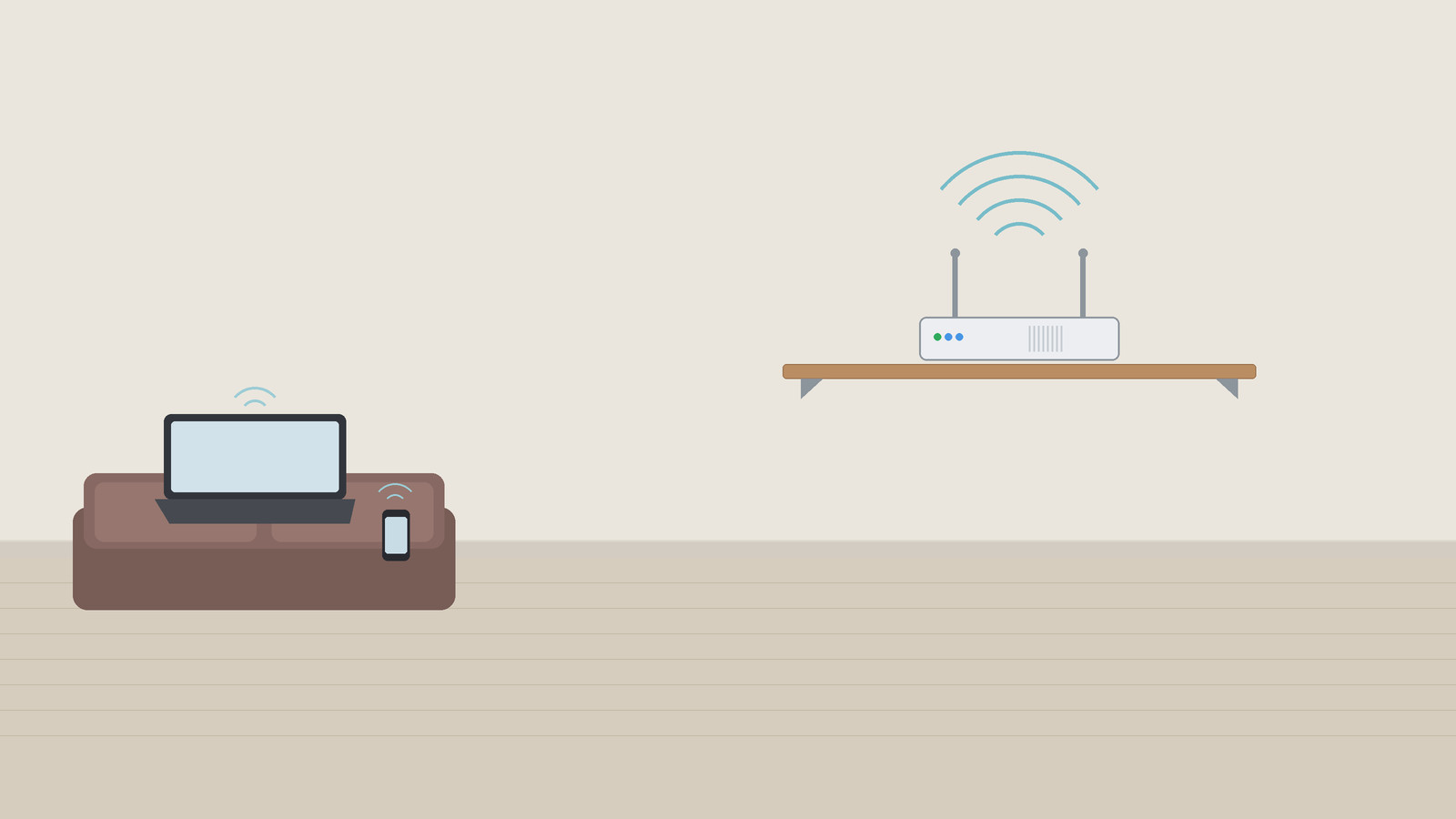
- Check router placement. Thick walls, large metal objects and other electrical equipment can weaken Wi-Fi.
- Note what you see. Write down when the problem happens, which devices are affected and any speed test results, so you can describe it clearly.
How to make a complaint to Community Fibre
Community Fibre's complaints page sets out the process.
1. Gather your information first
Before you start, have to hand:
- your account details
- the dates the problem started and any dates it recurred
- the history of your case so far, including previous contacts and reference numbers
- any evidence, such as speed test results or screenshots
2. Submit the complaints form
Use the complaints request form linked from Community Fibre's complaints page. Explain what went wrong, what has already been tried and what outcome you are looking for.
3. Wait for the complaints team
Community Fibre says its complaints team will be in touch within seven working days. That is when to expect contact, not a promise that the complaint will be settled in that time. Keep a record of every reply.
If you are still unhappy
If your complaint is not resolved, ask Community Fibre how to escalate it, including which independent dispute resolution scheme it belongs to and when you can use it. Communications providers in the UK must belong to an approved scheme, and Community Fibre should give you those details in writing.
Cancelling Community Fibre
If you are switching to another provider
Do not cancel with Community Fibre first if you are moving to a new broadband provider. Talk to the new provider before you do anything, and ask whether it will manage the switch for you. Cancelling separately before the new service is ready can leave you without broadband, and you could still owe notice or fees.
If you are leaving without switching
If you no longer need a Community Fibre service, for example because you are moving somewhere without a new broadband contract, Community Fibre's cancellation page says to:
- Call 0800 082 0770 to cancel.
- Give 30 days' notice.
- Expect early termination fees if you are still within your minimum contract term.
- Return your equipment following the instructions Community Fibre gives you.
- Look out for your final bill.
Check your contract or ask on the call how much any early termination fee would be before you confirm the cancellation.
Quick checklist
- Phone: 0800 082 0770, Monday to Friday 8am–9pm, weekends and bank holidays 9am–7pm
- Live chat: every day 9am–7pm, bottom right of the website
- Contact form: aim of a reply within two working days
- Complaint: gather evidence and case history, then use the complaints form; contact within seven working days
- Switching: speak to your new provider first
- Cancelling outright: call, give 30 days' notice, return equipment, check your final bill
Frequently asked questions
What is the Community Fibre customer service number? 0800 082 0770. Lines are open Monday to Friday 8am–9pm, and 9am–7pm on weekends and bank holidays.
Does Community Fibre have live chat? Yes. Support and technical live chat runs every day from 9am to 7pm, including bank holidays, from the chat window at the bottom right of the website.
How long does Community Fibre take to reply to a complaint? Community Fibre says its complaints team will be in touch within seven working days. That is when it expects to make contact, not a deadline for resolving the complaint.
How much notice do I need to give to cancel? Community Fibre asks for 30 days' notice when you cancel directly. Early termination fees apply if you are still in your minimum term.
Should I cancel before switching to a new provider? No. Speak to your new provider first and ask whether it will handle the switch.
What happens to my router when I leave? Return your equipment following the instructions Community Fibre gives you when you cancel.
More on fibre, availability and installs
- FTTP: A Complete Guide to Full Fibre and Choosing the Right Connection
- Full fibre installation day: what the engineer does, step by step
- How to check what broadband speed is available at your address (UK guide)
- Broadband activation delayed? what to do and your rights in the UK
- Full fibre vs cable vs part fibre: which broadband type do you actually have?
- The Openreach ONT box explained: models, ports and UK installation rules

Paul Madden
Paul founded Broadband Provider to give UK households an independent, commercially-transparent guide to home broadband. He sets the strategy for the site, approves every story before it is published, and has final editorial sign-off on reviews, guides and corrections.
He also oversees commercial partnerships, running affiliate partnerships and advertising separately from editorial decisions. Commercial terms never influence how deals are ranked or what a review says.