Broadband options for areas with no mobile signal in the UK
Living without a mobile signal changes the broadband question in two ways. First, the usual fallback of 4G or 5G home broadband may not work, so you need to know what else is available at your exact address. Second, if you cannot make a normal mobile call indoors, your broadband may have to carry your calls as well as your internet. The good news is that both problems have practical answers, and you can work through them in order.
First, check what is actually available at your address
Broadband availability is decided property by property, not by town or region, so start with a proper check rather than a guess.
The neutral place to look is Ofcom's broadband coverage checker. Enter your postcode and it shows the predicted broadband services at your location, including the highest available download and upload speeds and whether each type of service is generally available, available to some properties, or not available at all. It uses three speed categories: standard broadband is under 30Mbps, superfast is between 30Mbps and 300Mbps, and ultrafast is greater than 300Mbps.
The checker also flags whether satellite broadband (such as Starlink) may be available in your area, and lists any fixed wireless access providers covering your location. The speeds shown are the fastest predicted by the network operators, so the actual speed at your property can differ. A postcode result is a useful first view, but try to confirm an address-level result before you commit to anything.
If nothing decent shows up, the checker will point you towards the Universal Service Obligation, which is covered further down.
The main types of fixed-line broadband in the UK
Most UK homes are served by the Openreach network, which reaches close to 95% of the country. A few networks, such as Virgin Media, Gigaclear and Hyperoptic, run their own infrastructure and can be faster in the areas they cover, though with narrower reach. Virgin Media's cable network reaches around 70% of the UK.
The main fixed-line options are:
- Standard (ADSL) broadband. This runs over the old copper telephone network. Speed depends on how far your house is from the telephone exchange: up to around 16Mb if you are close, under 2Mb if you are remote, with an average around 10 to 11Mb.
- Fibre to the cabinet (FTTC). Fibre runs to the green street cabinet, then copper completes the run to your home, so distance from the cabinet still matters. Entry-level packages are usually capped around 36Mb, with higher-end packages averaging around 63 to 67Mb.
- Full fibre (FTTP). Fibre runs all the way into the property with no copper involved, so speeds of 1000Mbps or more are possible regardless of your distance from the exchange. Some FTTP deals cap the speed in return for a lower price. The largest FTTP network is Openreach, alongside smaller networks like Gigaclear and Hyperoptic.
There was also a copper upgrade called G.fast, capable of up to 330Mb, but Openreach stopped rolling it out in 2019 in favour of full fibre. If your area was upgraded, it is still available from a limited number of providers.
Where you can get it, full fibre is the clearest choice for a no-signal home because it gives the most dependable base for carrying your calls as well as everything else.
What to do when fixed-line broadband is not available
If no usable fixed line reaches you, there are three main alternatives.
Fixed wireless access uses radio signals, with a small receiver installed on your property pointed at a nearby transmitter. It needs line of sight to that transmitter, but once set up it can deliver speeds comparable to fixed-line broadband and a stable connection suitable for streaming and everyday use. Providers that have focused on rural and under-served areas include Airband and Voneus. Ofcom's checker lists any that cover your address.
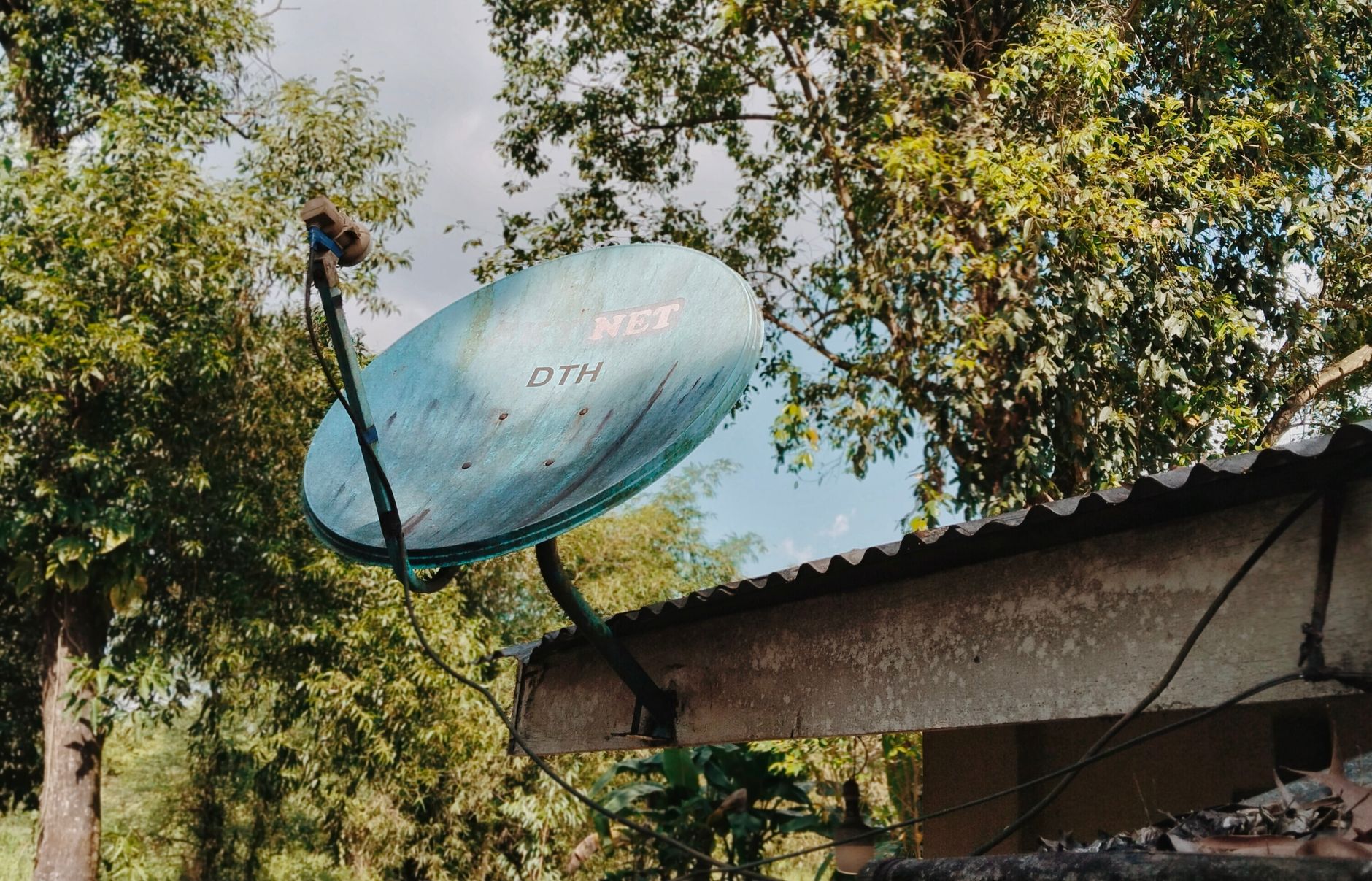
Satellite broadband works almost anywhere with a clear view of the sky, which makes it the common last resort in remote spots. Modern services offer speeds comparable to standard broadband with improved reliability and lower latency than older systems. Providers in the UK include Starlink and Freedomsat. The trade-off is cost: satellite tends to be more expensive than other options.
4G or 5G home broadband uses the mobile networks through a home router, and is available to most of the country. But this is the one option to treat with caution in your situation. If ordinary mobile coverage is absent at your property, a 4G or 5G router may not give you a dependable connection either. Indoor signal varies with wall thickness, nearby trees and buildings, and where the router sits, so test it carefully before relying on it. For a genuine no-signal home, a fixed connection is usually the safer route.
Can you still make calls with no mobile signal?
Yes, and this is where your broadband choice earns its keep. There are two routes.
The first is Wi-Fi calling, which sends an eligible call over your home Wi-Fi instead of needing a mobile signal indoors. It is particularly useful in rural homes, valleys and thick-walled properties.
The second is calls over your broadband line, often called digital voice or VoIP. You no longer need to take a phone and calls package with your broadband, and this applies to Virgin Media on its own network too. If you do keep a home phone, the way it works is changing. The old copper telephone network is being retired, and home phone services are moving to run over your broadband connection instead.
That switch matters in a poor-signal area for one reason in particular: power cuts. A broadband-based phone will not work if the power goes off and you have no battery backup, and if there is also no mobile signal to fall back on, you could be left without any way to call for help. If anyone in the home relies on the phone for a care alarm, a telecare pendant or similar, tell both your broadband provider and your alarm supplier so they can check the equipment still works after the switch and arrange backup where needed.
Wi-Fi calling explained, and getting it working
For Wi-Fi calling to work, three things all have to be in place: your calling provider has to support the feature, it has to be switched on in your device settings, and your broadband and Wi-Fi have to be stable enough to carry the call.
Broadband is only part of the answer. A fast connection will not fix calls that break up in a back bedroom where the Wi-Fi signal is weak, and strong Wi-Fi cannot rescue a service that keeps dropping. For a no-signal home, consistency across the rooms you actually use matters more than the highest advertised speed.
Calls use relatively little capacity, so you do not need full fibre for Wi-Fi calling. Full fibre simply gives a stronger long-term foundation where you can get it. To improve things in practice:
- Put the router in an open, central spot, not in a cupboard or behind large objects.
- Test calls from the rooms that matter, not just next to the router.
- If the far end of the house is poor, add a suitable Wi-Fi extension. A larger home may need more than one unit; a small flat may just need better router placement.
- Check the router is supplied and supported by your provider, and ask what help is available if the line reaches you but Wi-Fi does not cover the whole property. That separates a line problem from an in-home Wi-Fi problem and stops you paying to switch when switching would not fix the real cause.
Comparing providers and getting connected
Comparison sites can show you which of the UK's larger providers serve your postcode, including Virgin Media, BT, Plusnet, EE, NOW Broadband, Sky, TalkTalk and Vodafone, plus specialists like Gigaclear and Hyperoptic that only operate in certain areas. Because many of these use the same Openreach network, their coverage and speeds are often similar; the independent networks are where the real differences in availability and speed show up.
Before you choose, check the technology available at your exact address, the estimated speed range, the contract length, the installation process and the total you will pay over the minimum term. Headline monthly prices and setup fees change and vary by postcode, so treat a deal as provisional until you reach the address-specific order stage.
Read the small print on price rises. For new contracts taken from 17 January 2025, Ofcom requires providers to state any in-contract price increases in pounds and pence at the point of sale, rather than tying them to inflation, which makes the likely total cost easier to work out.
Poor mobile signal does not usually affect how long installation takes. What matters is whether the network already serves your address and whether an engineer visit or property work is needed. Taking over an existing active line is normally simpler than a first full fibre installation. Do not cancel a working fixed service early just because a new order is in; keep the old one running until the new one is live.
Help for rural and hard-to-reach areas
If you genuinely cannot get a decent connection, the Universal Service Obligation gives you the right to request one. The USO is a national scheme run by Ofcom, which has appointed BT as the universal service provider for most of the UK. It entitles you to request a connection with a download speed of at least 10Mbps and an upload speed of at least 1Mbps. That speed is intended to meet the typical needs of a household streaming, video calling and browsing at the same time. To find out more, call 0800 783 0223 or visit the USO website.
The USO is a safety net rather than a fast lane, and for a small number of very remote premises satellite remains the only realistic option. But for most homes with no mobile signal, working methodically through the Ofcom checker, choosing the best fixed technology available, sorting out solid in-home Wi-Fi, and setting up Wi-Fi calling or a broadband phone will get you both a connection and a way to make calls.
More on mobile, 4g and alternatives
- Mobile Broadband with Unlimited Data: Best UK Deals for 4G and 5G in 2026
- Alternatives to Traditional Broadband
- Satellite Broadband for Rural Areas UK
- Mobile Hotspot vs Home Broadband UK: When to Use Each Option 2026
- How to Get WiFi at Home for Free: Realistic Options and Alternatives
- Cheap Broadband with Unlimited Data in the UK

Julian Glover
Julian Glover covers UK home and business broadband, comparing providers, explaining new tech, and helping readers find the right deal for their household. Julian is the editor and byline for our reviews, guides and news.