Moving house broadband: should you transfer or cancel your contract?
 Julian Glover
Moving home gives you two broadband choices: take your current contract with you, or cancel it and start again at the new address. The right answer depends on three things: whether your provider can serve your new home, whether you are still tied into a contract, and whether a better deal is waiting for you elsewhere.
Get this wrong and you can be left for weeks with no connection, or paying two bills at once. Get it right and a house move becomes the cheapest, easiest moment to upgrade your broadband.
Transfer or cancel: how to decide
Before you do anything, check two facts about your situation. First, can your current provider actually supply your new address? Second, are you still inside your minimum contract term, or has it ended?
Those two answers point you straight to a decision:
- Provider available, and you're happy with them: transferring is usually the simplest route. You may pay a home move fee, but you avoid early exit charges.
- Provider available, but you're out of contract: this is your best moment to shop around. Switching is penalty-free and new-customer deals are often cheaper than staying put.
- Provider available, but you're in contract and want to leave anyway: you can switch, but expect an early exit fee for the months left on your deal.
- Provider cannot serve the new address: you'll need to cancel. Some providers waive the exit fee in this case, but not all, so check your terms.
Can you transfer your broadband to the new address?
Yes, in most cases. Nearly every major provider offers a "home move" service that lets you carry your existing contract to a new property, and you can usually arrange it online or over the phone.
The catch is availability. The providers and speeds on offer at your new home may be very different from what you have now. Some networks reach your current street but not your new one, so confirming coverage is the first step, not an afterthought.
If the same type of service is available at the new address, your provider can normally continue your contract unchanged. If it isn't (for example, if your full-fibre package can't be matched there) they may suggest moving you to a different plan or contract instead.
With GoFibre, to give one example of how this works in practice, moving customers can either sign a fresh 12 or 24-month contract or pay a home move fee to bring their existing plan across without renewing. That two-option structure (renew, or pay a move fee) is common across the industry.
When cancelling makes more sense
Transferring isn't always your best move. Cancel and start fresh when:
- Your provider can't reach the new property. You have no choice here, and you may be able to leave without penalty.
- You're out of contract. There's no reason to stay loyal if a rival offers faster speeds or a lower price at your new address.
- The new area has better infrastructure. Full fibre might be available at your new home even if it wasn't at your old one. A move is the natural time to upgrade.
If you're out of contract, switching is the easiest way to dodge the annual price rises built into most deals and to pick up sign-up rewards such as gift cards or reward vouchers.
Cancellation and early exit fees explained
Here's the rule that catches people out. If you cancel before your minimum term ends, you usually have to pay for the remaining months of the contract. That's the early exit fee, and on a two-year deal it can add up quickly.
There are ways to soften it:
- If your provider can't serve the new address, ask about waiving the fee. Some providers drop the charge in this exact scenario. Others may negotiate. It's always worth asking and checking your written terms.
- Look for switching credits. Several providers, including Vodafone, Sky Broadband, Fibrus, BeFibre, EE and Virgin Media, sometimes offer credit that pays off part or all of the termination fee you owe your old provider.
- Watch for smaller charges even when you stay. Being in contract doesn't always mean free. Virgin Media, for instance, charges £20 for a house move self-install kit, and other providers add fees for new lines or upgrades.
A worked example
Say you have eight months left on a deal costing £26 a month, and cancelling early means paying out those remaining months. That's roughly £208 to walk away.
If a new provider is offering £115 in switching credit or reward vouchers plus a cheaper monthly price, the real cost of leaving shrinks. Set the exit fee against the credit and the monthly saving, and switching can work out cheaper than transferring, even mid-contract. Do the sum before you decide.
How much notice to give your provider
Notice periods vary by provider, so check yours rather than assuming. As a rough guide, providers commonly want somewhere between two weeks and 30 days.
Here's how the major providers compared as of a recent check:
| Provider | Minimum notice | Cost |
|---|---|---|
| BT | 2 weeks | Charges apply for a new line or upgrades |
| EE | 3 weeks | Delivery charge for new equipment |
| NOW Broadband | 2 weeks | Free |
| Plusnet | 4 weeks | Free with a new contract, or charges apply |
| Sky Broadband | 2 weeks | Free to Sky VIP customers, otherwise £50 |
| TalkTalk | 2 weeks | £60, or free with a re-contract |
| Virgin Media | 30 days | £20 to £35 transfer charge |
| Vodafone | 30 days | Free |
Whatever your provider's stated minimum, give more notice if you can. Busy periods stretch lead times, and you'll need enough runway to book any engineer visit before moving day.
One quirk worth knowing: if you sign a new contract during your move, you get a cooling-off period, but it doesn't work how you might expect. According to Ofcom, the cooling-off window starts from the date the contract is agreed, not the day the service is installed. It exists so you can back out of a deal, not to trial the service. Some providers word their terms so the clock starts from the latest of delivery, service start date or order confirmation, so read the small print.
Checking availability and speeds at your new home
Do this before you commit to anything. Use a postcode checker to confirm which providers and speeds are available at the new address.
Full-fibre networks (FTTP) and Virgin Media use different infrastructure from the Openreach network that most providers rely on. So a property served by one may not be served by another, and moving between network areas can change your options completely. A home that had only slow copper broadband before might now offer full fibre, which is a good reason to reassess rather than transfer on autopilot.
Using a house move to get a better deal
Moving home is one of the best opportunities you'll get to improve your broadband, especially if your contract has ended. You can switch providers without early exit fees, and you may find faster speeds or cheaper deals at the new address.
It's also a natural moment to rethink what you need. If more people in the household are working or studying from home, a package with higher speeds or better reliability may be worth the upgrade.
The process is simpler than it used to be. Under Ofcom's One Touch Switch rules, when you move between providers that use the Openreach network, your new provider handles the switch for you. You may not even need to contact your old provider to trigger it. That removes a lot of the back-and-forth that used to make switching a chore.
How long setup takes and avoiding a broadband gap
Setting up broadband in a new home typically takes between two and 14 working days. A straightforward activation on an existing line can be quick. It takes longer when an engineer visit is needed, such as upgrading to full fibre or connecting a home with no existing line. New builds usually take the most time of all.
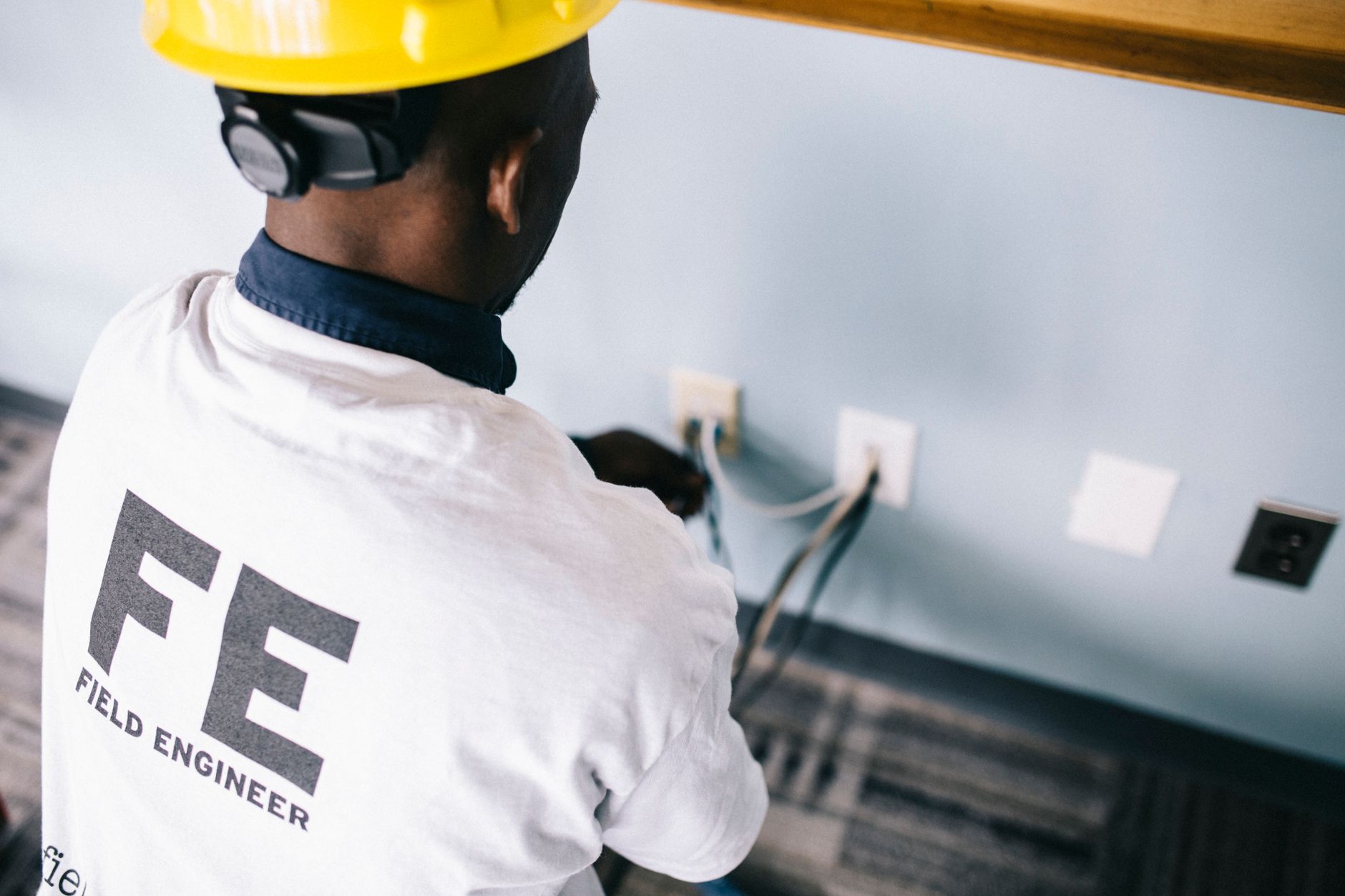
A fresh full-fibre installation involves an engineer bringing the cable in overhead or underground, drilling a small hole, fitting the Optical Network Terminal (ONT) and setting up your router. The visit itself often takes around two to three hours.
To avoid being cut off between homes:
- Arrange everything as early as possible. You can often get connected around your move-in date, but only if it's booked in advance.
- Have a back-up plan. Delays happen. A tethered phone or a mobile dongle can keep you online in the gap. Some providers supply a 4G device as a fallback if the delay is their fault.
- Line up your activation date to match your move date. If your provider serves both addresses, they can sometimes disconnect the old home and connect the new one on the same day.
Watch out for a common snag: if the previous occupant hasn't cancelled their service, it can hold up your setup. If old post keeps arriving for them after you've moved in, flag it with the provider.
Routers, equipment and overlapping bills
You can keep your Wi-Fi router if you're staying with the same provider and using the same connection type. But new deals and upgrades often come with a new router, so check before you pack the old one, and confirm whether your provider wants the old kit returned. Some let you keep it, others send a replacement and expect the original back, and unreturned equipment can trigger charges.
Watch the overlap too. If your new connection goes live before your old contract ends, you may briefly pay for both. Coordinating your cancellation notice with your activation date keeps that window as short as possible.
Renters and short stays
If you're moving into rented accommodation, speak to your landlord first. Some rentals include broadband in the rent, in which case you may not need to arrange anything at all.
If you do need your own connection, check your tenancy agreement allows it, especially where installation involves drilling or new sockets. Staying only a short while? A rolling monthly contract avoids being tied in long-term. Being upfront with your landlord early saves trouble later.
Step by step: sorting broadband before moving day
- Check your current contract. Find your end date, whether you're in or out of contract, and any early termination fees. It's on your latest bill or in your online account.
- Check coverage at the new address. Use a postcode checker to see which providers and speeds you can get there.
- Decide: transfer, switch or cancel. Use the framework above, weighing exit fees against switching credits and cheaper new-customer deals.
- Give notice in good time. Anything from two weeks to 30 days depending on your provider, and more if you can manage it.
- Book installation early. Especially important for new builds or full-fibre upgrades that need an engineer.
- Sort your back-up. Have a phone tether or dongle ready in case of delays.
- On move-in day, plug in and test. Most routers are plug-and-play. Connect it to the socket, wait for the lights, and check your speed.
FAQs
Can I transfer my broadband to a new house? Usually yes, as long as your provider serves the new address. Most offer a home move service you can arrange online.
Will I have to pay a fee to move my broadband? Sometimes. Some providers charge a home move or transfer fee (Virgin Media's transfer charge is £20 to £35, for example), while others move you free. If a new line or upgrade is needed, extra charges may apply.
What happens if I move during my broadband contract? If your provider can serve the new home, you transfer the contract and keep going. If they can't, you'll need to cancel, which may mean an early exit fee unless the provider waives it.
How much notice do I need to give? Between two weeks and 30 days for most major providers. Check your own provider's terms and give as much notice as you can.
What if my provider isn't available at my new address? You'll have to cancel. Some providers waive the early exit fee when they can't serve your new home, so ask and check your contract.
How long does it take to set up broadband in a new home? Typically two to 14 working days. Longer if an engineer visit or a new line is needed, and new builds usually take the longest.
Can I keep my home phone number? Often yes, even if you switch providers. It depends on whether your new address is in the same telephone area.
Can I switch to a better deal when I move? Yes. If you're out of contract, switching is penalty-free and a house move is one of the best times to get faster speeds or a cheaper price.
Julian Glover
Julian Glover covers UK home and business broadband, comparing providers, explaining new tech, and helping readers find the right deal for their household.